Workflow hub
Sketch to image AI workflow
Use a rough drawing as the structure, then generate a polished image with color, lighting, materials, and finished detail.
Users want to upload rough sketches, line art, or layout drawings and turn them into finished images, renders, or illustrations.
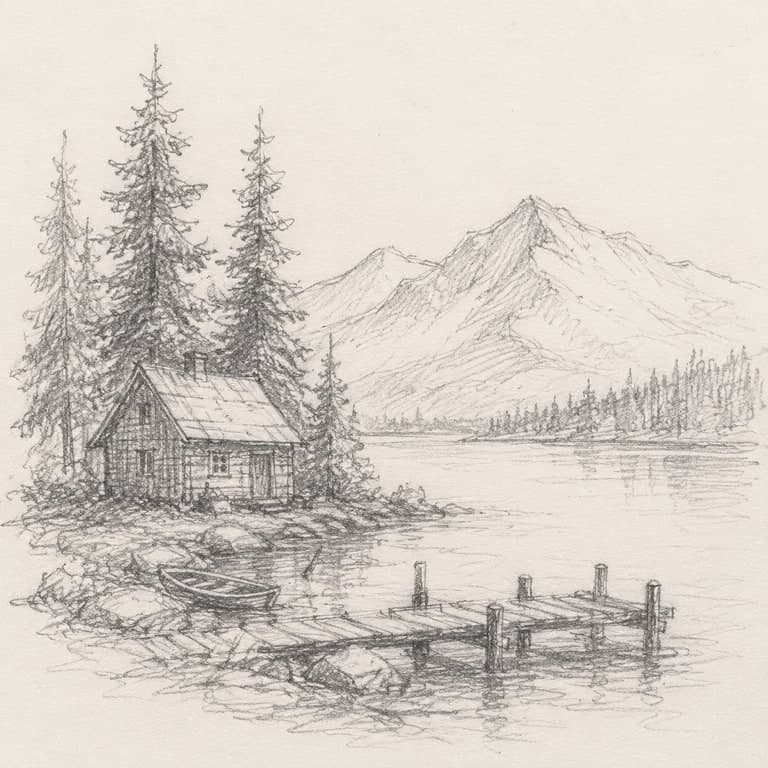
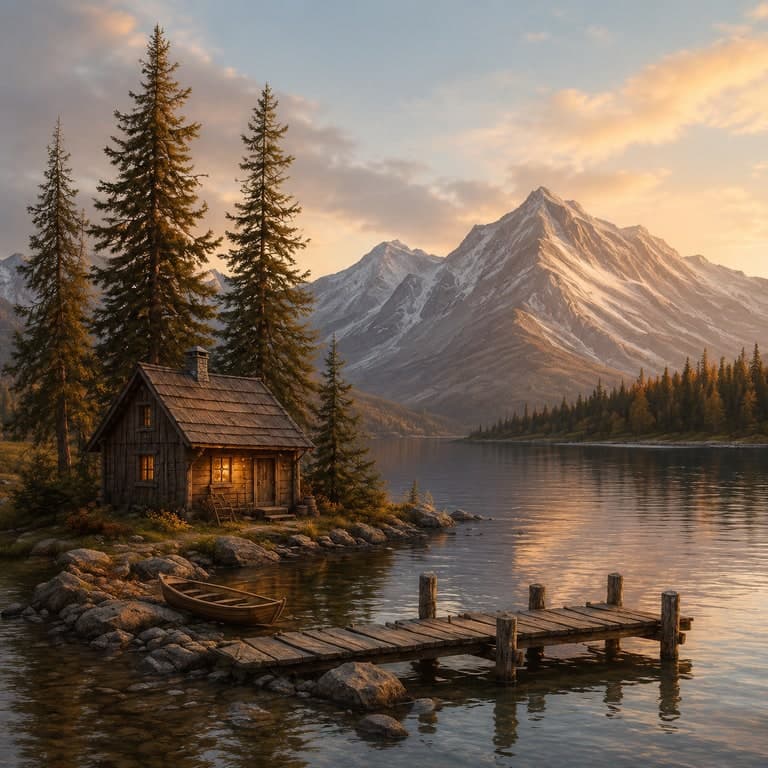
Best fit
When to use this workflow
This hub is built for users who already have a source image and need a controlled result instead of a blank-canvas text-to-image output.
Concept art, architecture sketches, product ideas, game assets, storyboards, and rough visual drafts.
Users who can draw layout better than they can describe it in text.
Teams that want fast visual options before a full design or illustration pass.
Workflow tutorial
How to get a better result
Step 1
Upload the sketch
Use a scan or clean phone photo of the rough drawing, line art, layout, or concept sketch.
Step 2
Name the finish
Ask for realistic render, watercolor, oil painting, 3D concept, game asset, or another output style.
Step 3
Preserve the layout
Tell the model which shapes, subject placement, and composition lines must stay anchored.
Step 4
Iterate from result
Save the strongest output, sketch over it if needed, and re-run for a tighter second pass.
Prompt recipes
Use these as starting points, then replace the subject, setting, or channel-specific goal with your own image context.
Architecture concept
Finished residential architecture concept, preserve the sketch layout, add natural materials, warm evening light, and polished landscaping.
Game asset concept
Turn this rough prop sketch into a polished game asset concept, preserve silhouette and key shapes, add material detail and dramatic lighting.
Storyboard frame
Convert this line drawing into a finished cinematic storyboard frame, preserve camera angle and subject placement, add color and atmosphere.
Source image checklist
Examples for this workflow
Sketch to image example
Sketch to Finished Cabin Image Example
Turn a rough pencil cabin sketch into a finished lakeside concept image while preserving the cabin, dock, trees, and mou...
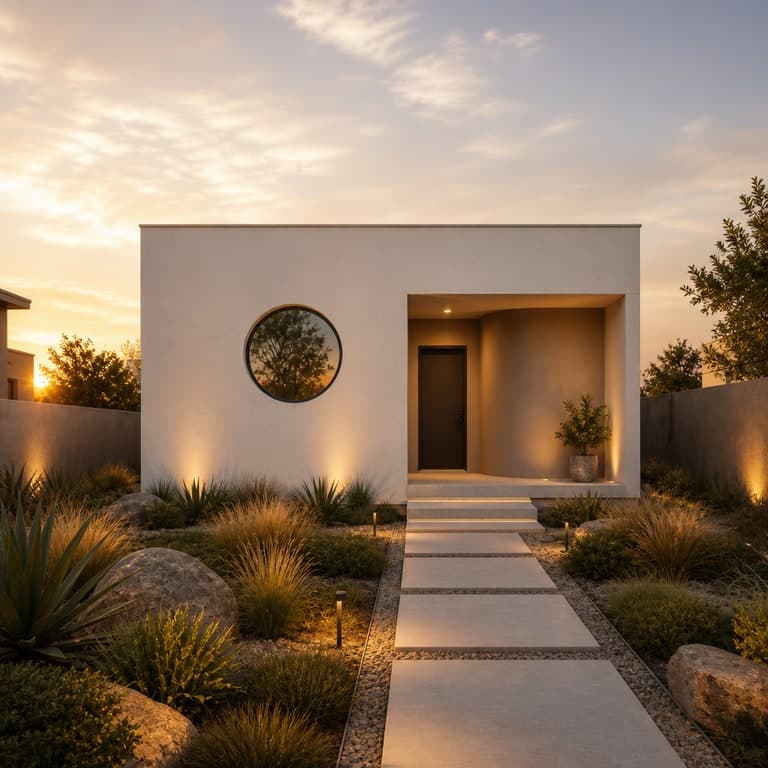
AI architecture visualization example
AI Architecture Exterior Example
Use a simple exterior reference to create a more finished residential architecture visualization....
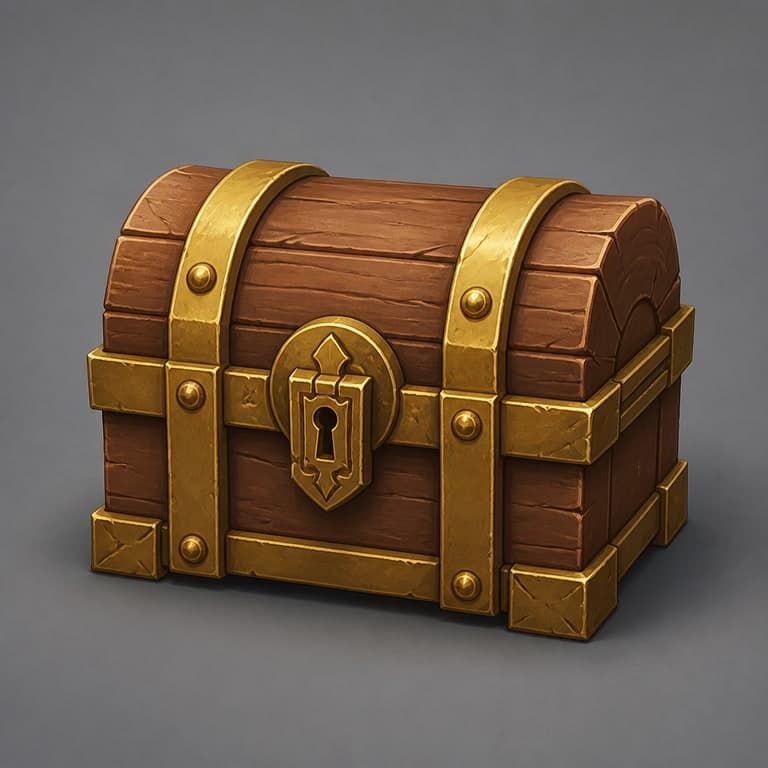
AI game asset concept example
AI Game Asset Concept Example
Transform a rough prop reference into a more finished game asset concept with clearer materials and silhouette....
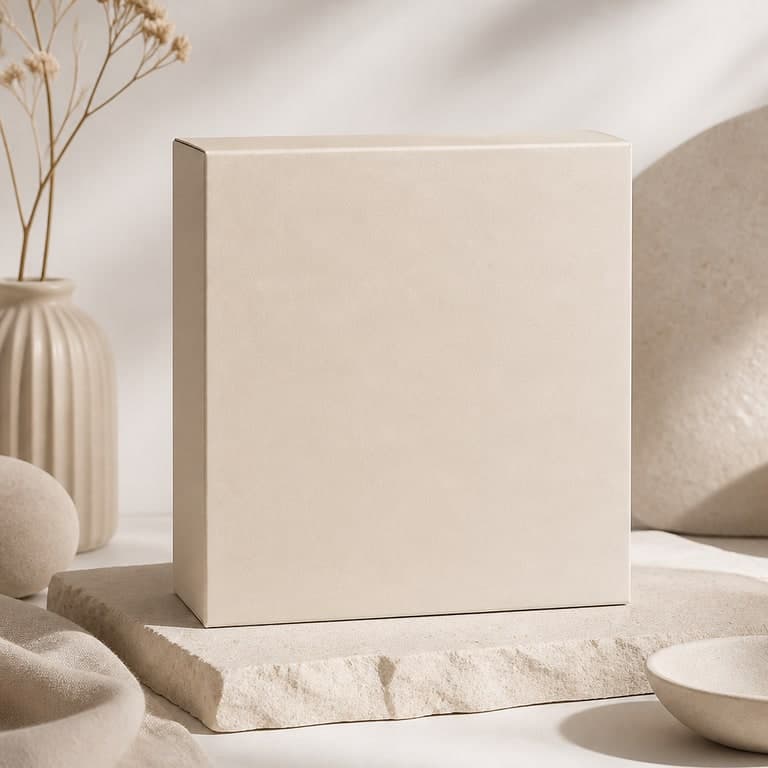
AI packaging mockup example
AI Packaging Mockup Example
Turn a plain package reference into a cleaner product mockup scene for concept reviews and launches....
Workflow FAQ
Do I need a professional sketch?
No. Rough sketches work if the main lines are visible. More detail gives the model more structure to preserve.
Can sketch-to-image make realistic renders?
Yes. Use a prompt that names the desired finish, such as realistic architecture render, product concept, oil painting, or game asset.