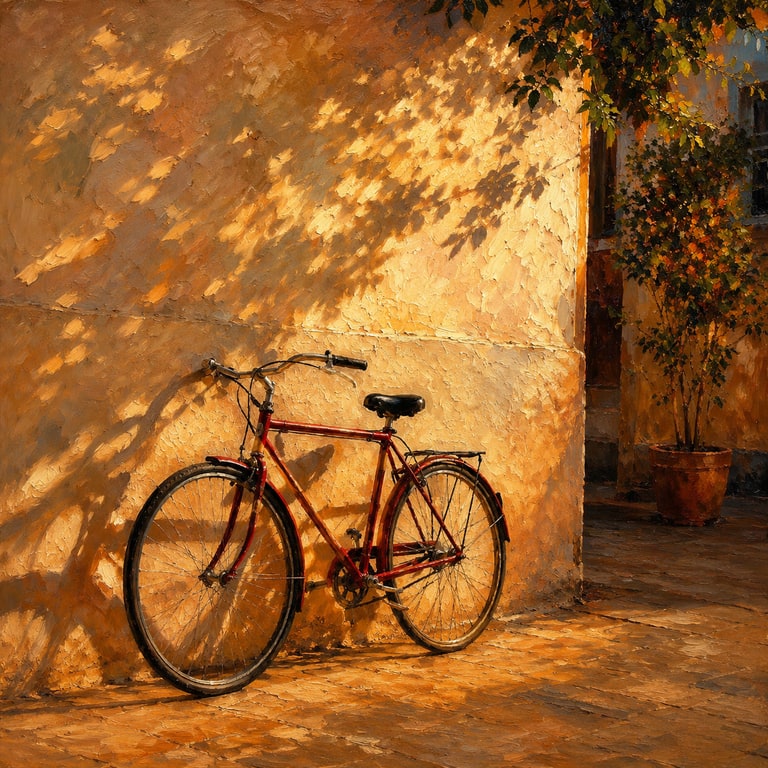
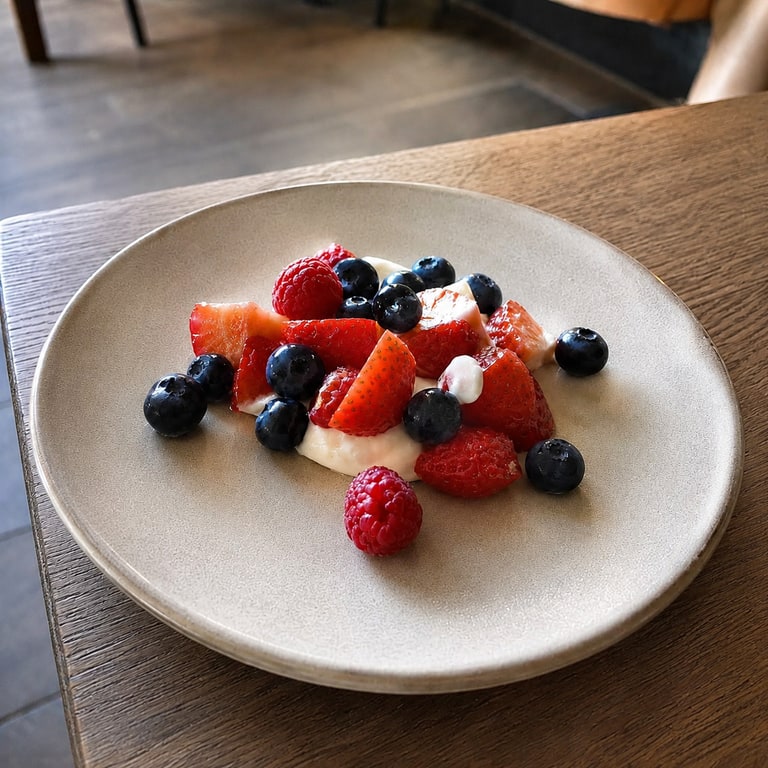
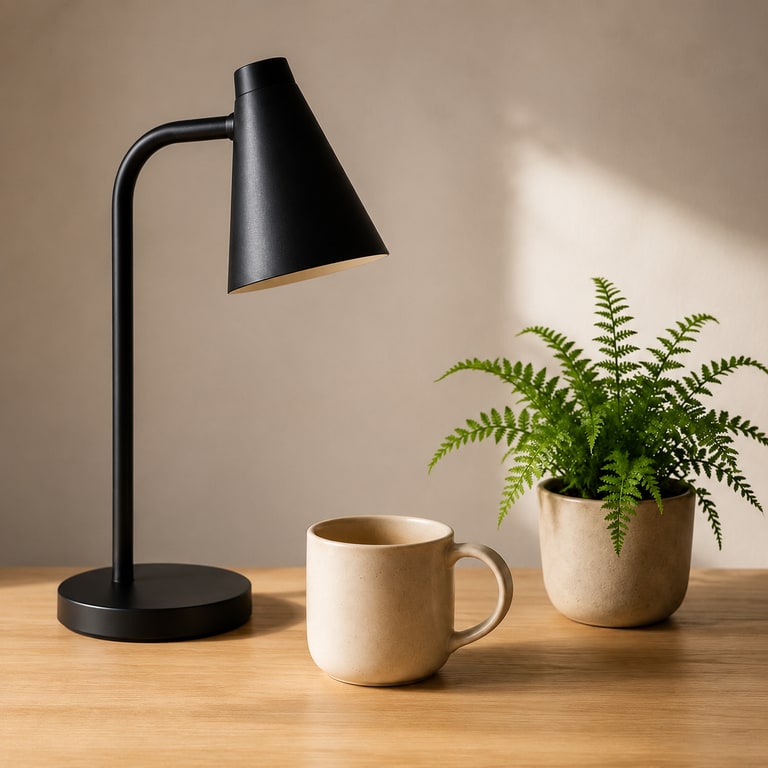
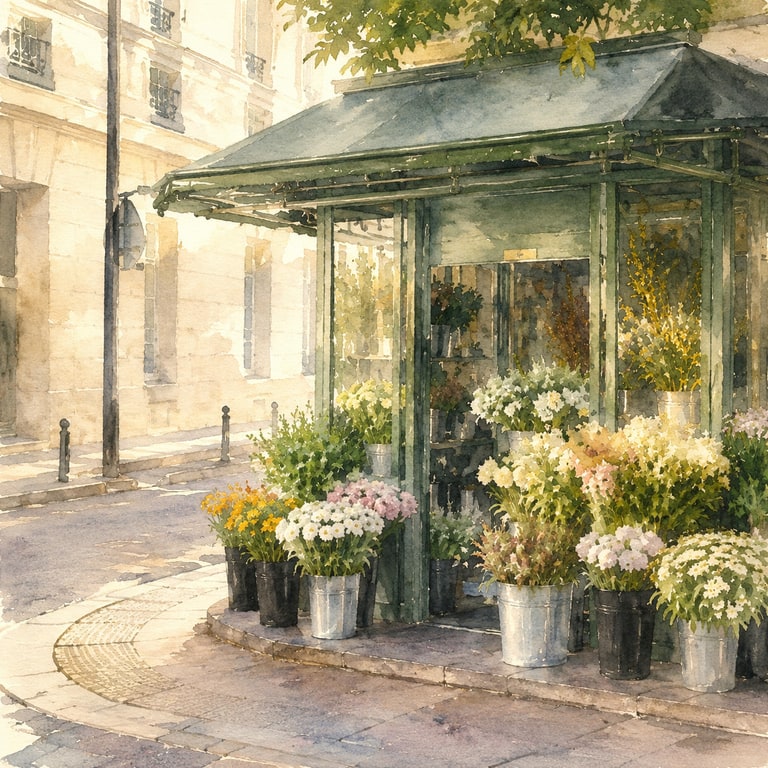
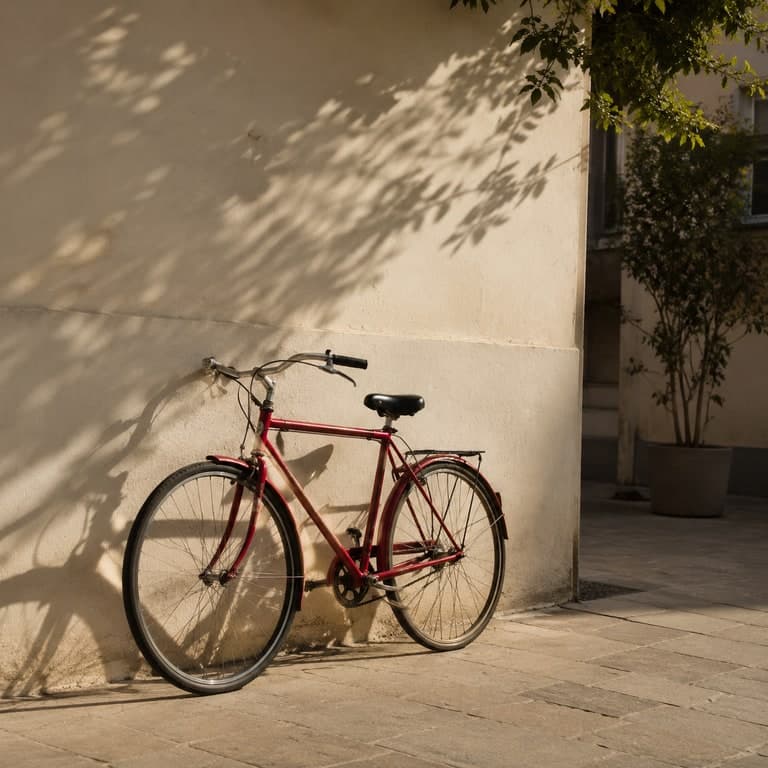
 Source
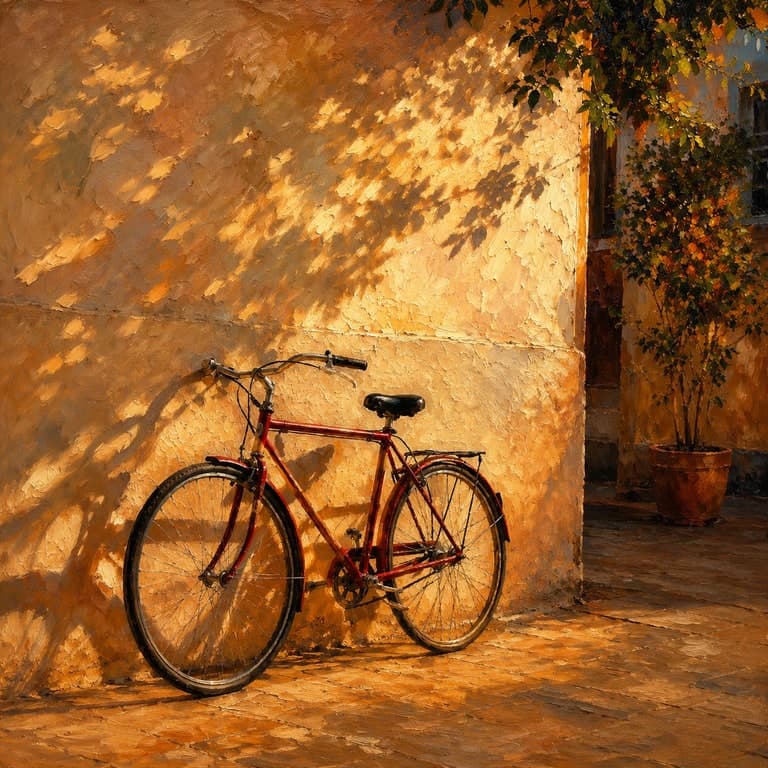 Generated
Style transfer
Photo to anime, oil paint, 3D, watercolor
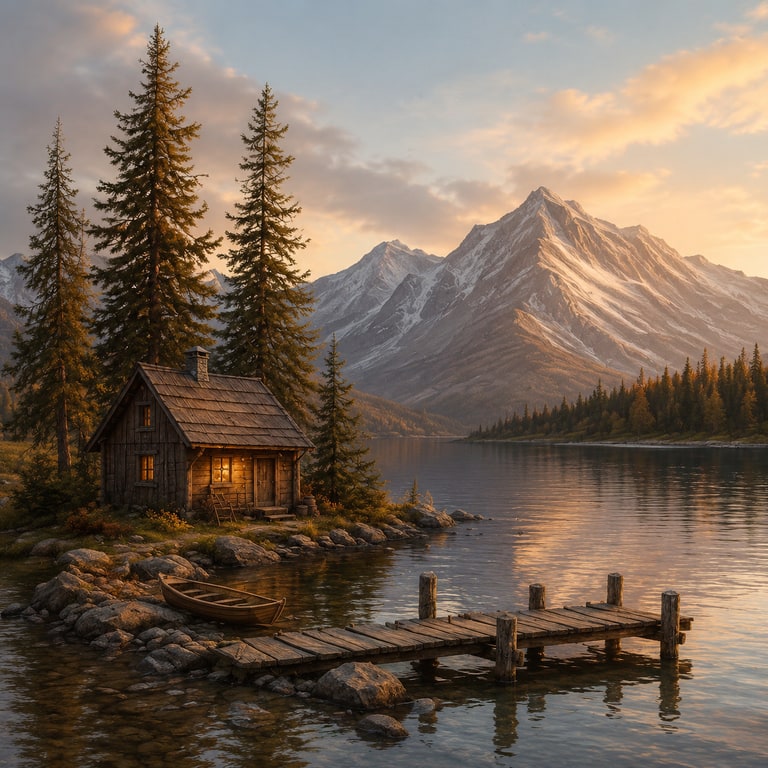
Change the visual medium while keeping the source subject, framing, and recognizable structure anchored.
Style presetsCustom promptBefore/after
Upload a photo, sketch, product shot, or design reference and generate a new image from it. Create style transfers, variations, enhancements, prompt-guided redraws, aspect expansions, and finished concepts while keeping the source structure recognizable.
Anonymous uploads auto-delete after 24h. Signed-in images are retained for private history up to 90 days.
Why it matters
The core problem is control. Text-to-image is useful for blank-canvas ideas, but it often loses the subject, layout, and visual intent you already have. ImageRift starts from your source image so the new result stays anchored.
Upload a photo, sketch, product shot, or design reference. The generation starts with your existing image instead of inventing everything from text.
Style transfer, variations, enhancement, prompt-guided redraw, aspect expansion, and sketch-to-image all get clearer starting points than a blank prompt box.
Real before/after examples show the source, generated output, prompt direction, and downloadable sample so you can judge quality before upgrading.
Free outputs are watermarked and personal-use only. Paid plans unlock commercial use, private history, higher resolution, API access, and team workflows by tier.
How it works
The fastest path is simple: upload one source image, choose the change you want, generate, then compare the before/after output before downloading.
Drop a photo, product shot, sketch, line art, or reference image. PNG, JPG, or WebP up to 10MB.
Choose style transfer, variation, enhancement, redraw, canvas expansion, or sketch-to-image direction.
Use a preset or write the change you want, then choose Standard, 2K, or 4K-class output when your plan allows it.
Review the before/after result, download a sample, save to your private gallery, or use the API on Pro and Business.
Use-case depth
ImageRift is not just a before/after slider. Each workflow pairs a source image with a practical template, prompt direction, real sample output, and downloadable proof so visitors can see what actually changes.
SourceGeneratedPhoto to anime, oil paint, 3D, watercolor
Change the visual medium while keeping the source subject, framing, and recognizable structure anchored.
 Source
 Generated
Same composition, fresh creative directions
Generate alternate campaign, product, social, or concept versions from one source image without starting from a blank prompt.
 Source
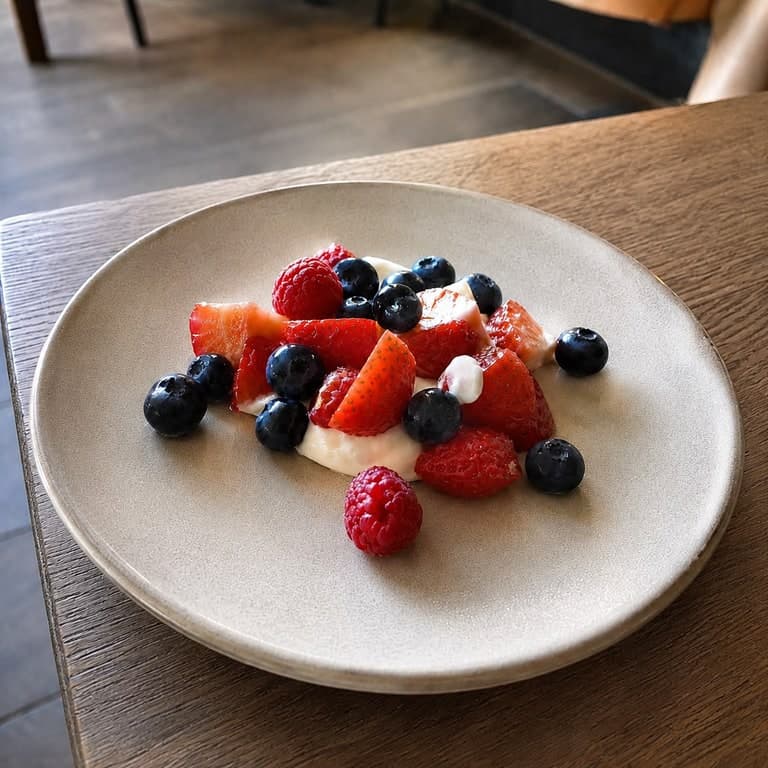 Generated
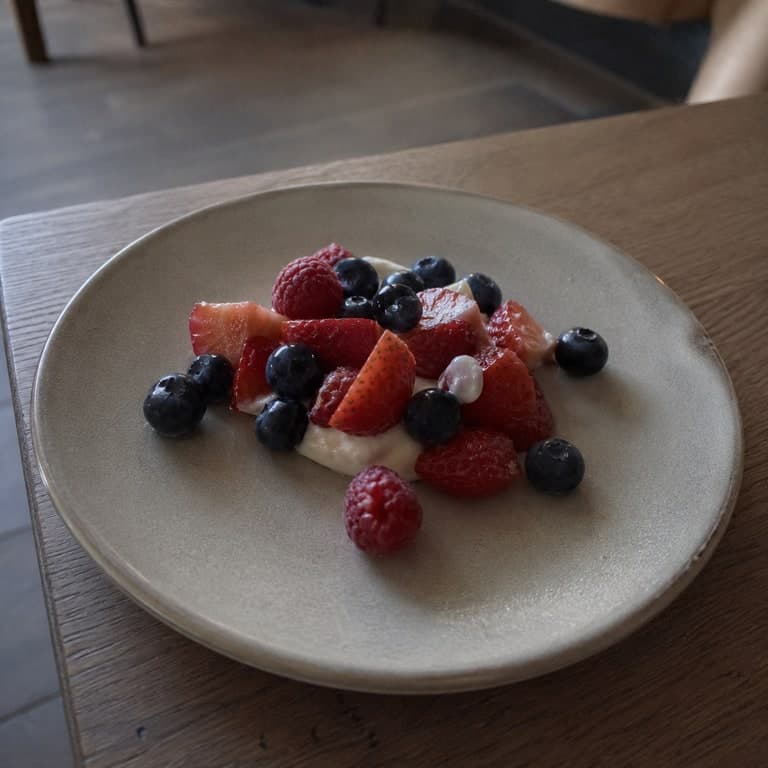
Sharpen, clean up, denoise, and re-render
Improve ordinary source images with cleaner light, detail, texture, and presentation while keeping the result close to the original.
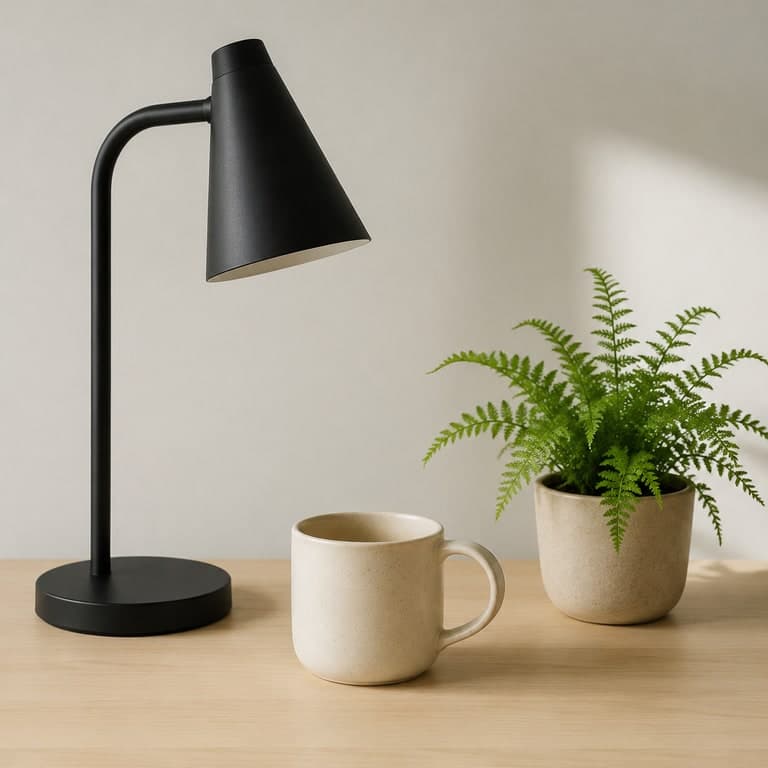 Source
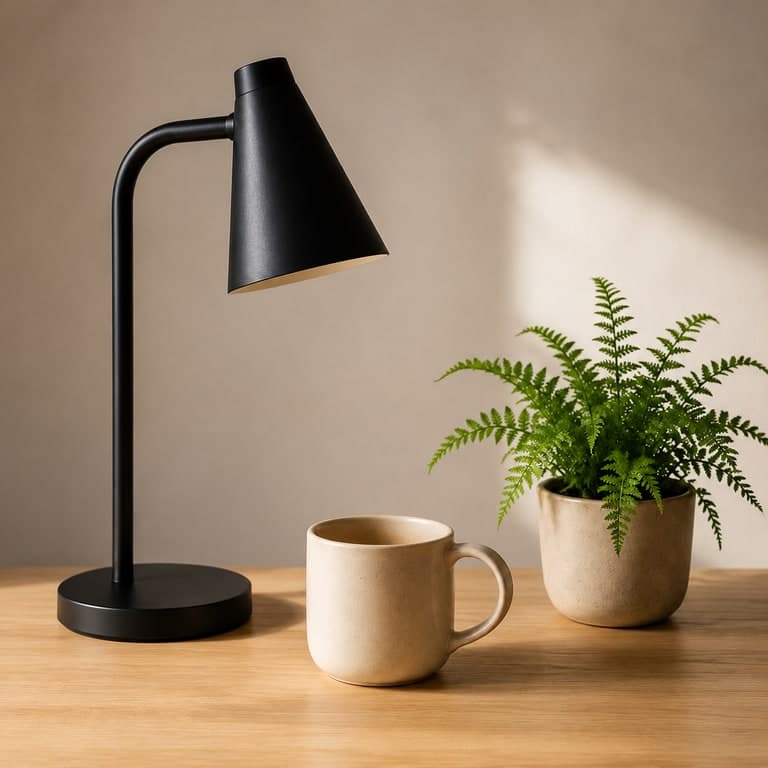 Generated
Change details without losing the source
Use a prompt to redraw parts of a scene, improve materials, change mood, or restage visual details while the source image stays in control.
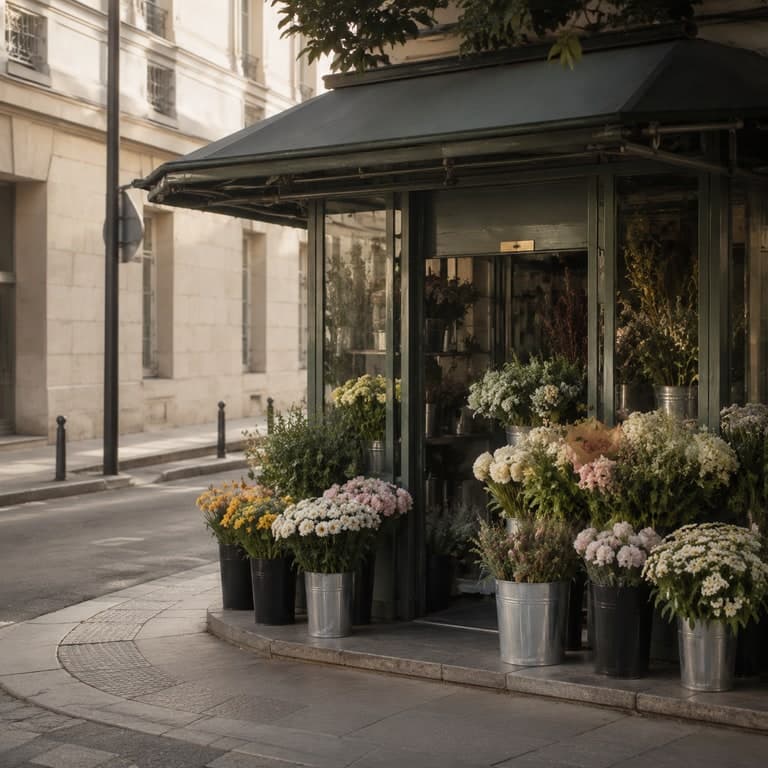 Source
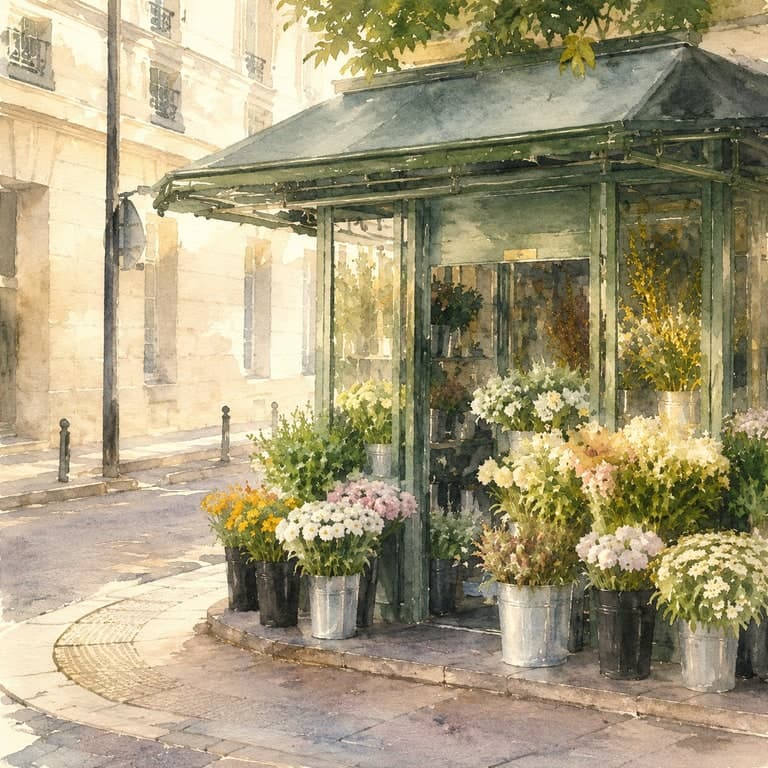 Generated
Turn a source into square, portrait, or landscape
Use output aspect controls to rebuild a source-guided image for social crops, thumbnails, banners, and wider scene concepts.
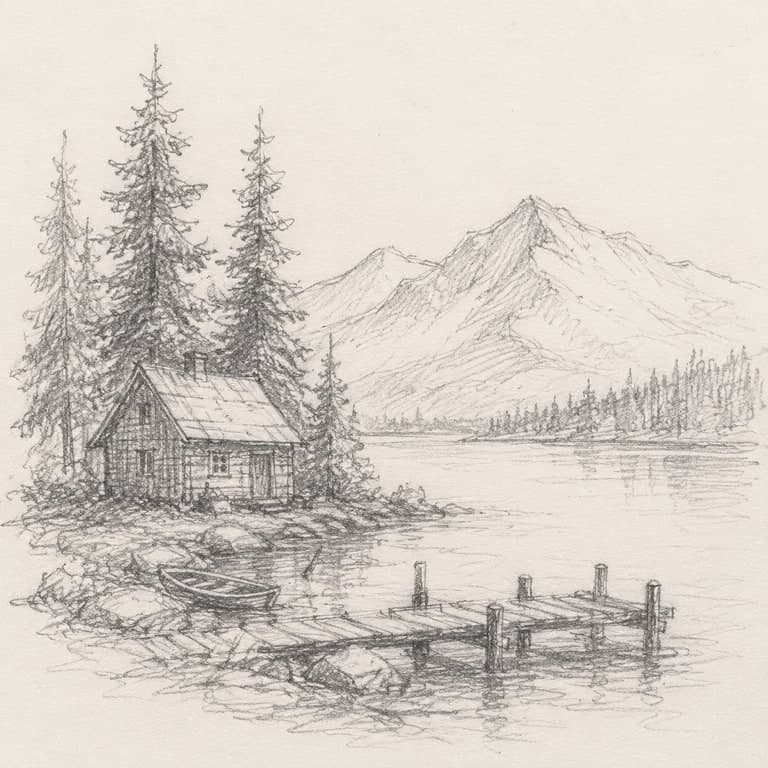 Source
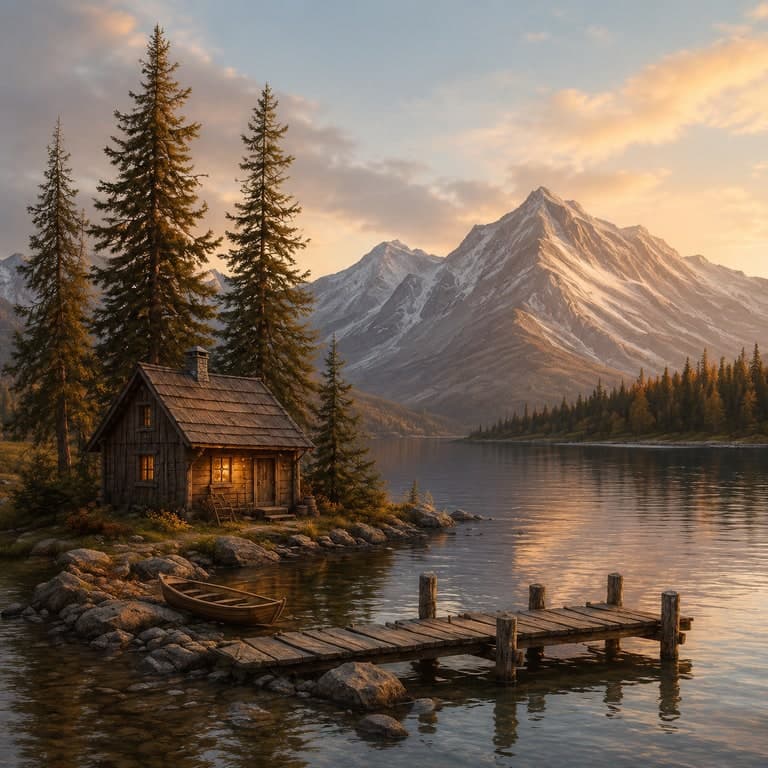 Generated
Line art, rough sketch, or layout to final visual
Upload a rough drawing and turn it into a polished concept image with color, materials, lighting, and finished detail.
Campaign set
Instead of paying for scattered experiments, queue a focused campaign set: hero creative, social square, lifestyle scene, and detail close-up from the same source image.
4 variants
One source upload, four campaign directions.
Retry one
Regenerate only the weak variant.
Download all
Collect the finished set when it is ready.
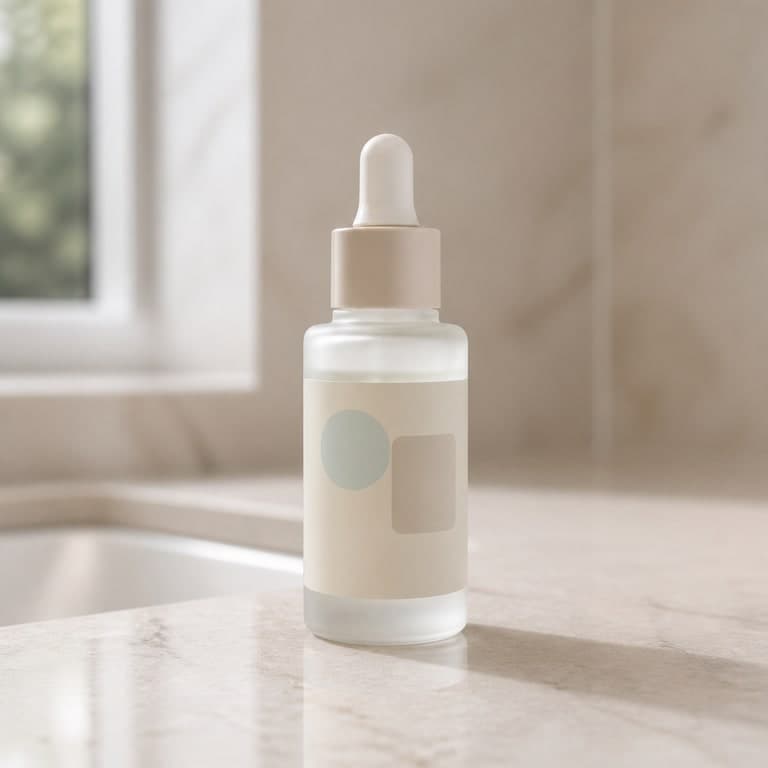 Source image
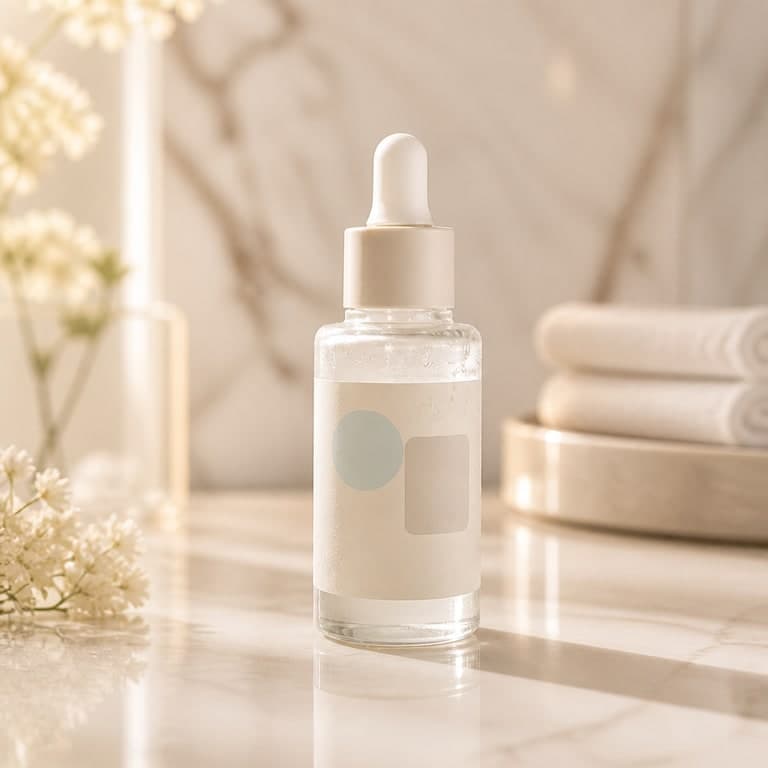 Hero ad
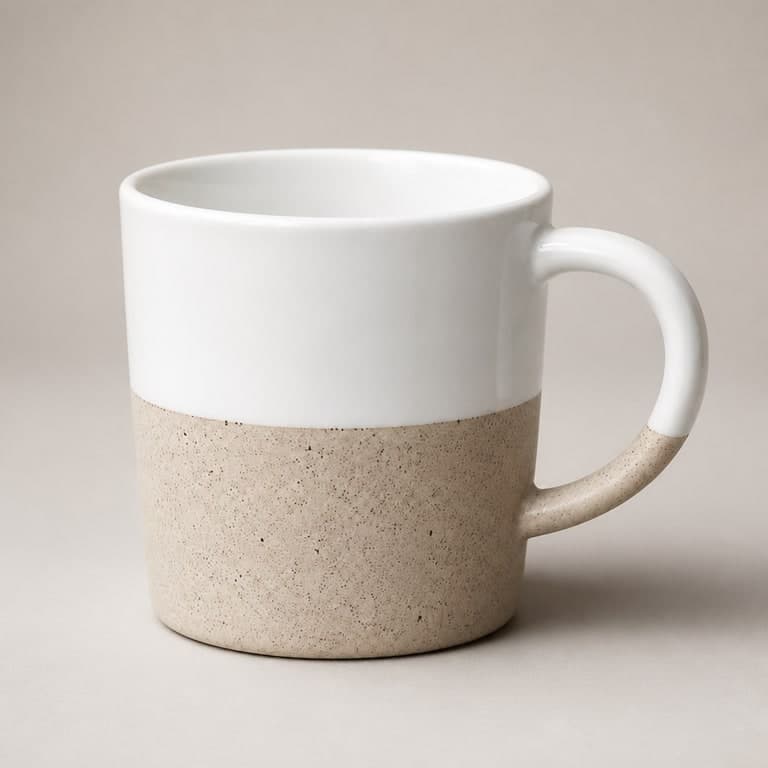 Social square
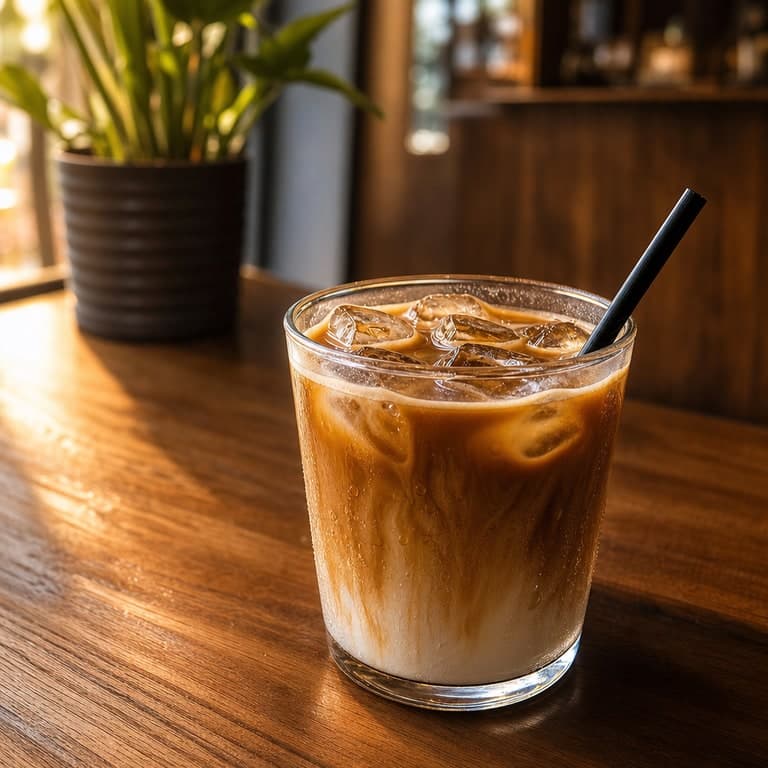 Lifestyle scene
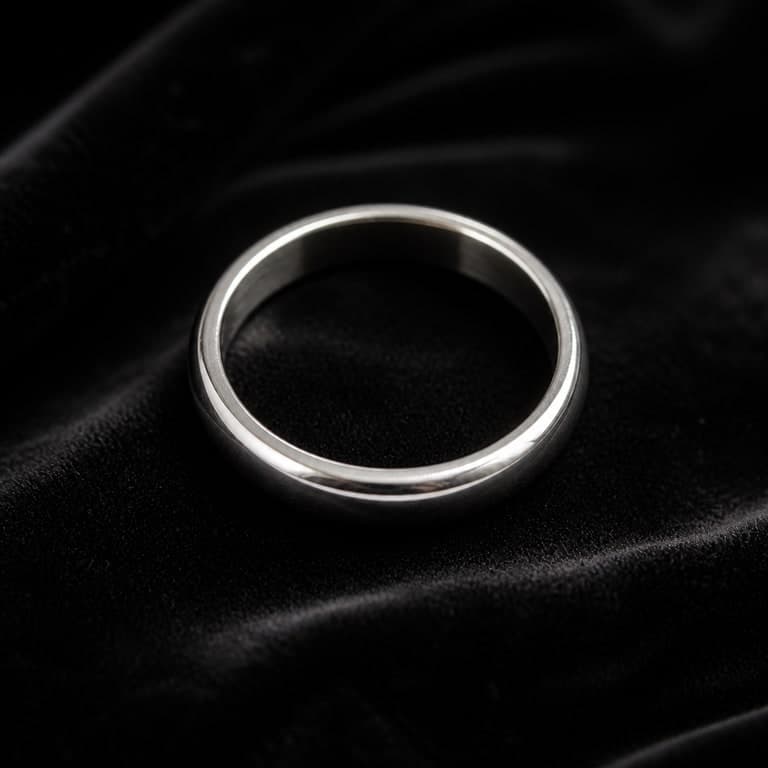 Detail close-up
Styles
Style transfer is one workflow family inside ImageRift. Use presets for quick looks, or write a prompt when you need a more specific direction.
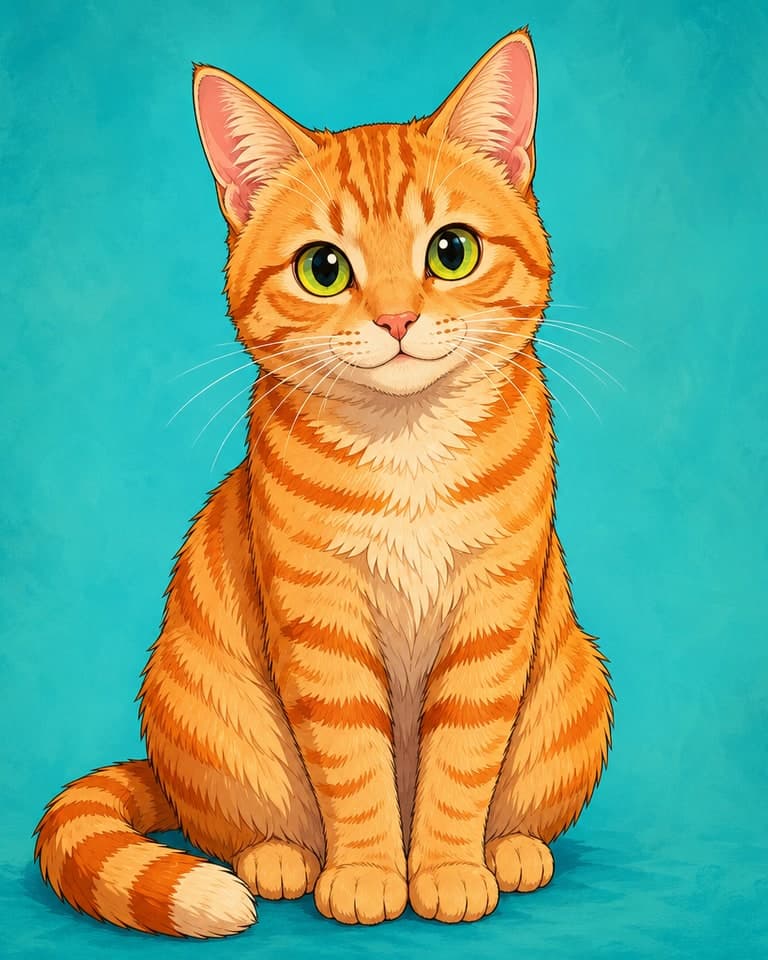
Anime
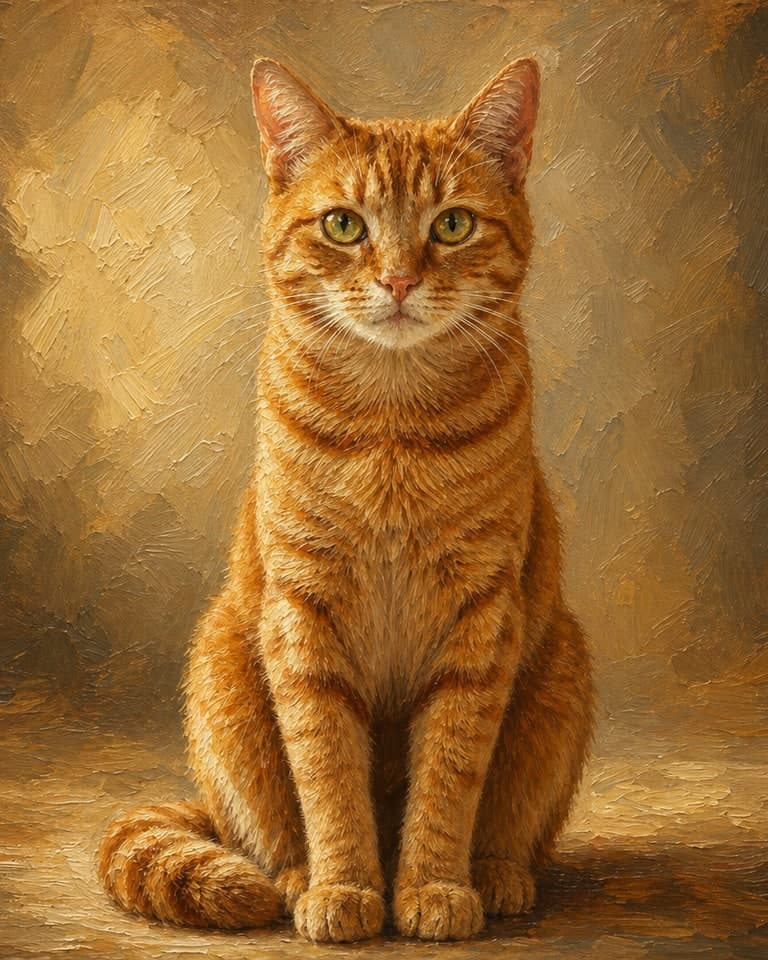
Oil Painting
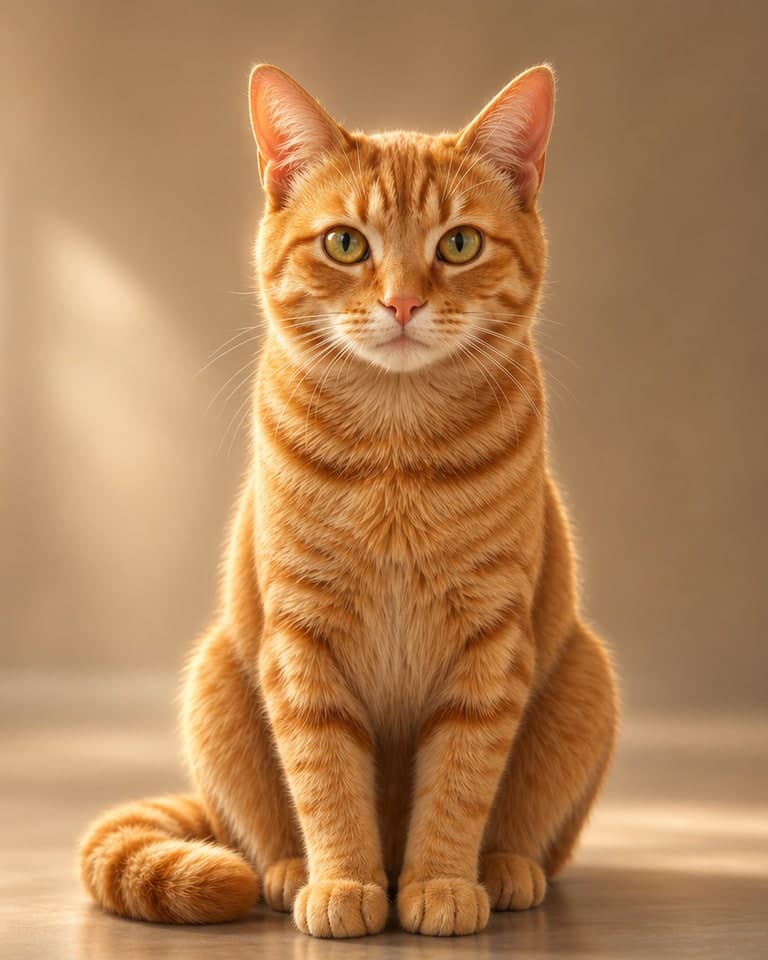
3D Render
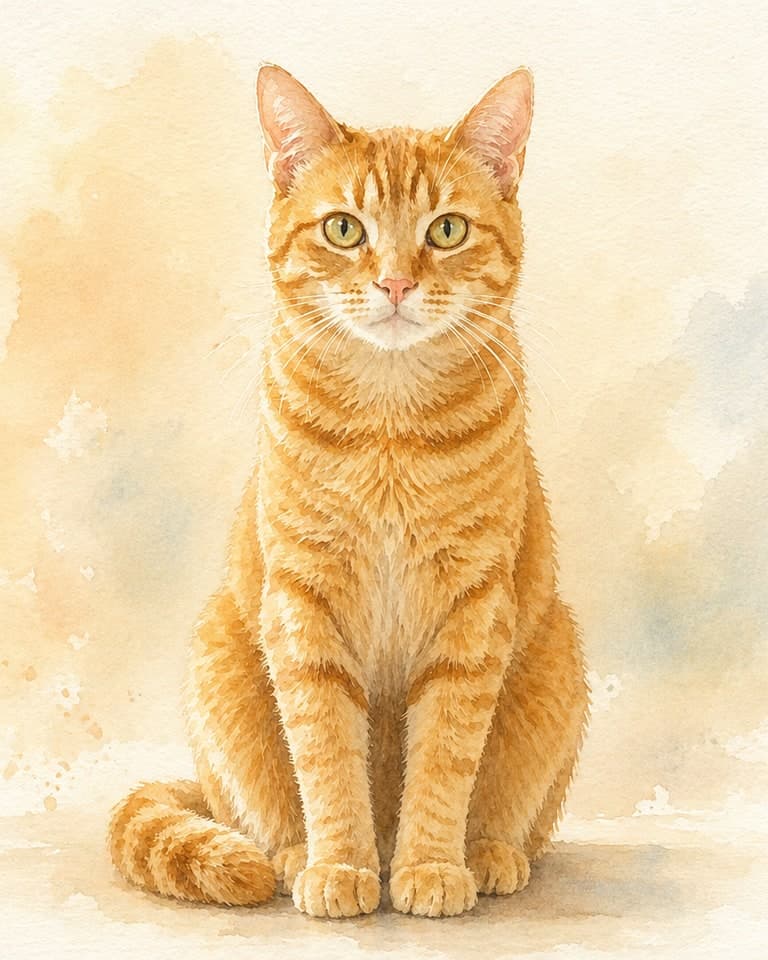
Watercolor
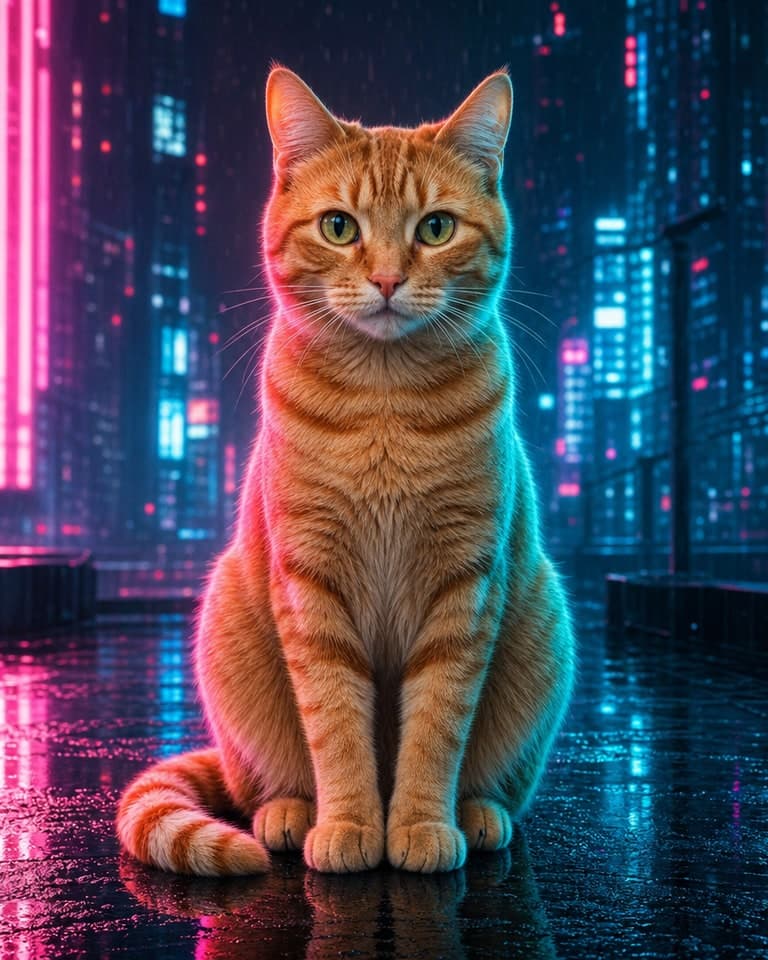
Cyberpunk
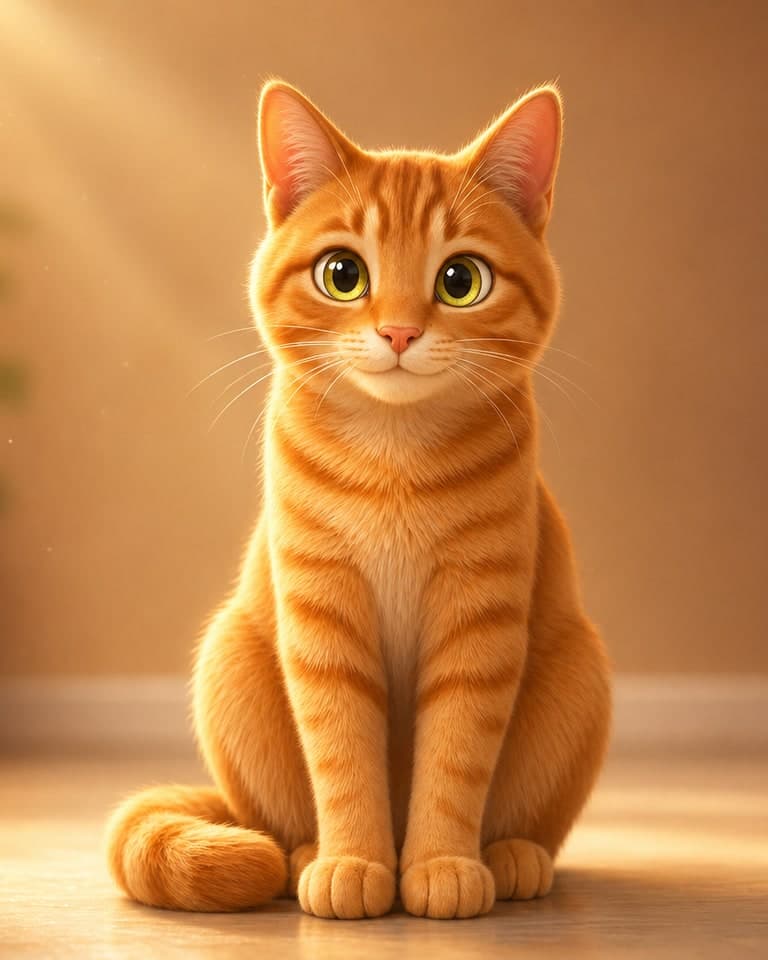
Soft 3D Cartoon
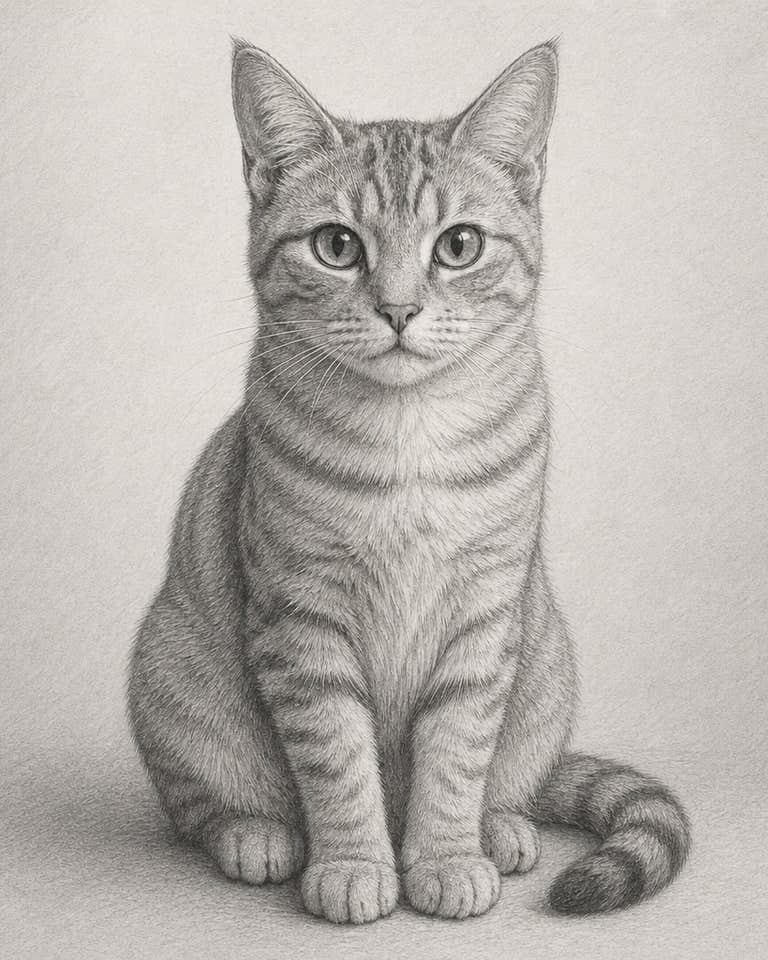
Pencil Sketch
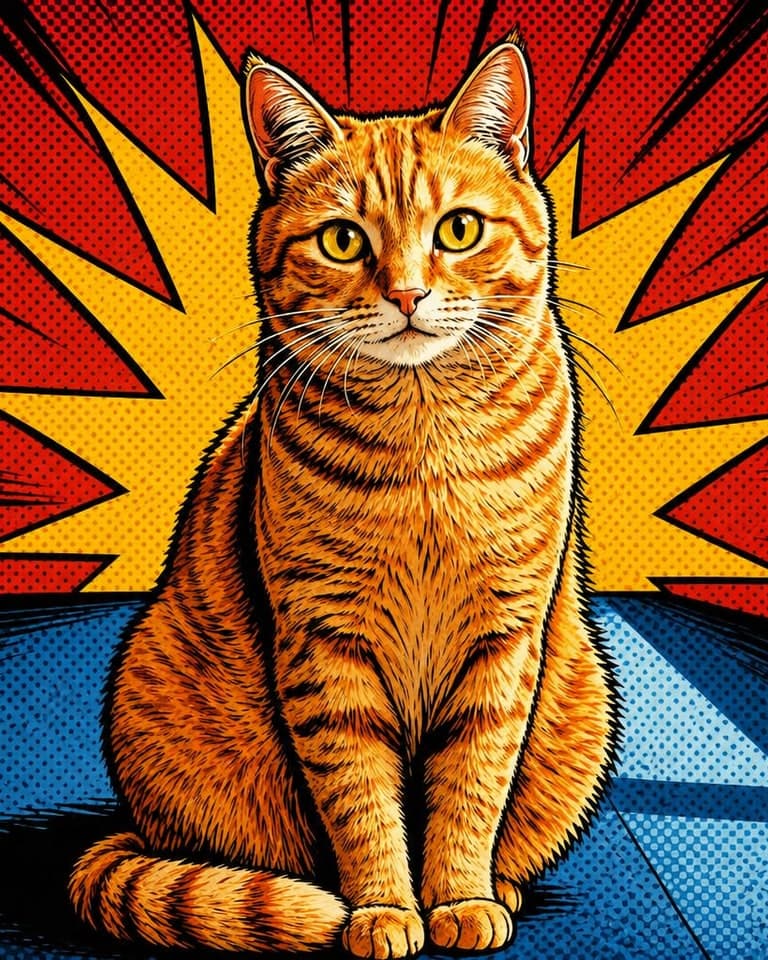
Comic Book
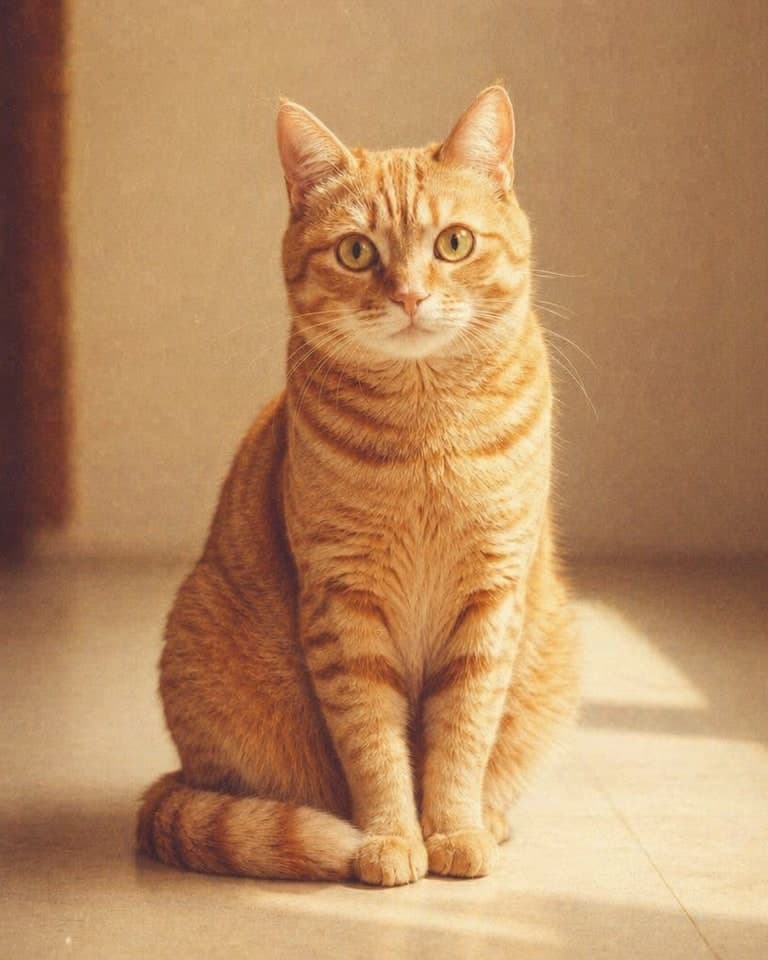
Vintage Film
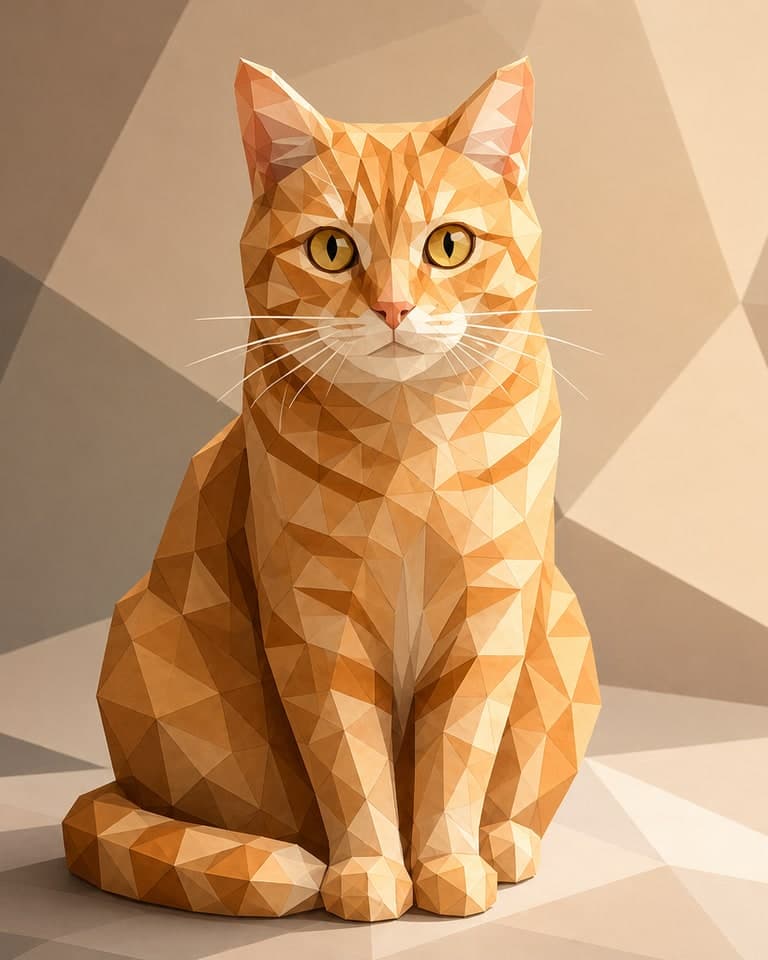
Low Poly
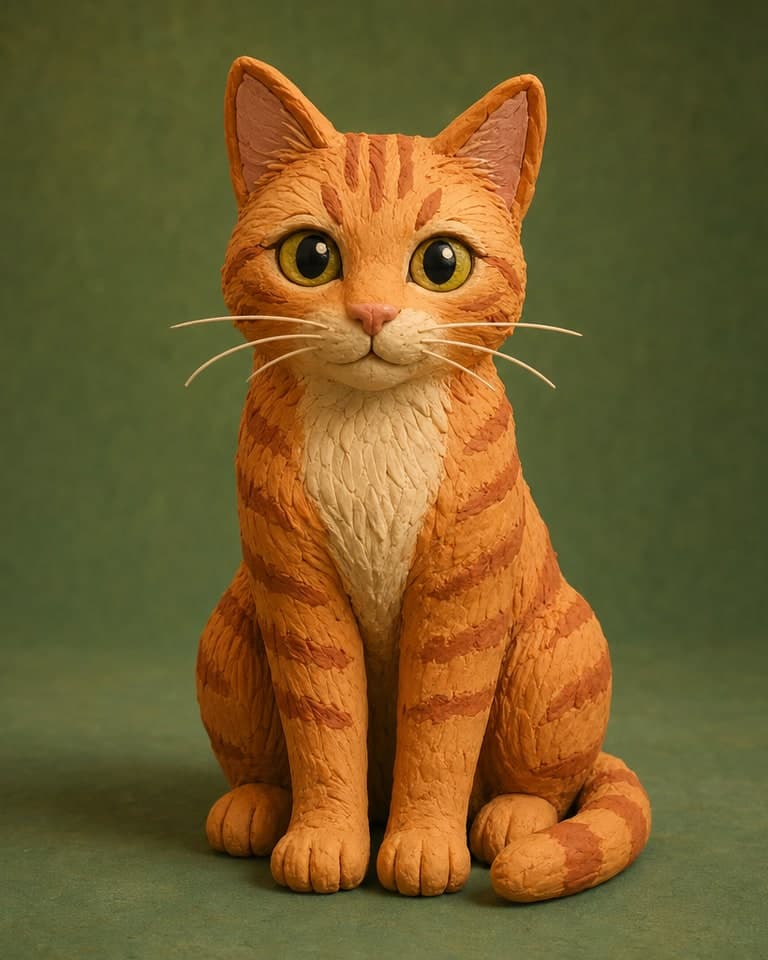
Claymation
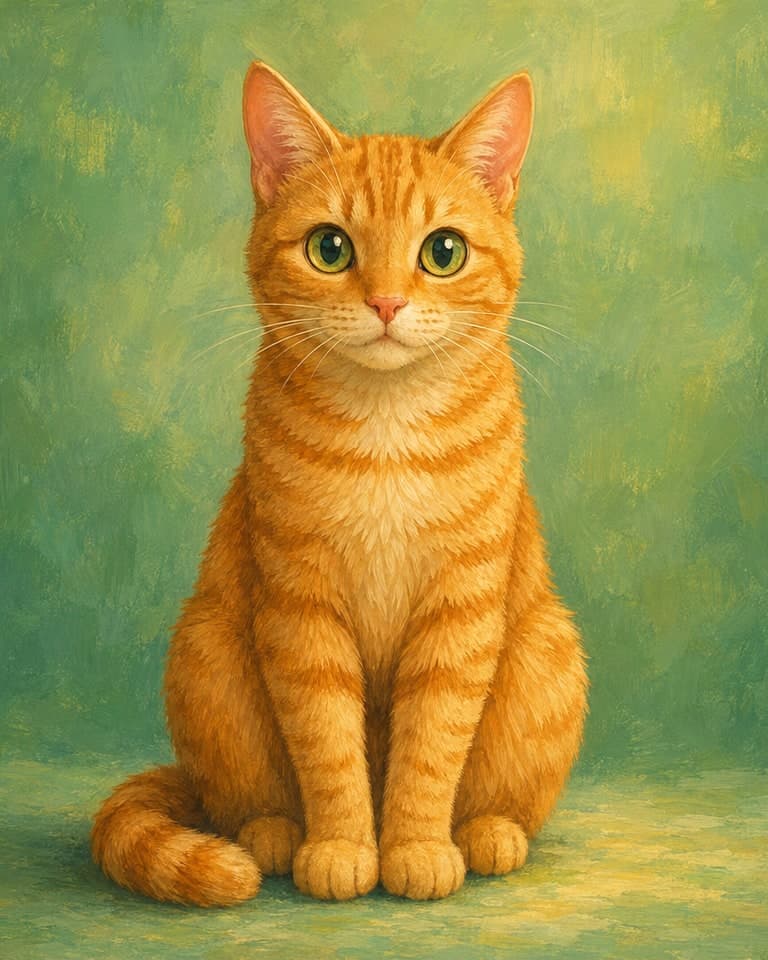
Storybook Animation
Examples
Every sample starts with a real source image and shows the generated result. Drag the slider, open the workflow page, or download the output.
Templates, not just sliders
Pick the template that matches your source image, then use the prompt, aspect, resolution, and retry controls to turn one upload into a usable output.
Use presets or custom prompts to convert a source image into anime, oil painting, watercolor, 3D render, comic, or another visual direction.
Pricing
Every plan counts completed outputs, not tokens. Failed jobs do not count, so your quota is a clear number of successful generations.
Upgrades start immediately and replace lower-tier subscriptions. Same-plan and lower-tier duplicate checkout is blocked. First paid charge refund window requires under 20% quota used.
Watermark-free 1024px image-to-image outputs for style transfers, variations, enhancements, thumbnails, and small commercial projects.
2K delivery files, API access, faster queues, and more iteration room for creators using source-guided workflows.
Shared team quota, optional team-shared gallery, owner-managed member caps, API throughput, and 4K-class campaign files.
Successful generations
Your plan is a predictable number of finished outputs. If a job fails before completion, it is not treated as a successful generation, so you do not need to calculate image tokens, GPU minutes, or hidden conversion rates before starting a campaign.
No token math
Plans use a plain generation count instead of model-token estimates.
Only finished outputs
A successful generation means the job completes and produces a usable output.
Failures protected
Provider errors, timeouts, and failed jobs do not consume the stated quota.
Free
$0USD / month
1 no-signup trial, then 3/day after sign-in
No-signup preview included
Starter
$9.99USD / month
$0.100 per successful generation
Commercial use starts here
Pro
$29.99USD / month
$0.060 per successful generation
API included - no separate API plan
Business
$79.99USD / month
$0.027 per successful generation
Team space with owner-managed quota
Don’t want a subscription?
100 extra successful generations for $12.99 ($0.13 / credit, no recurring billing). Used only after your direct monthly plan quota runs out. Credits last 12 months and do not apply to Business team shared quota. High-resolution exports follow your active plan, so Free credits do not unlock 2K or 4K-class output.
Pricing FAQ
No. Each account can have one active direct subscription across Starter, Pro, and Business. Team-inherited Business access is separate, but direct subscriptions do not stack.
Yes. Starter to Pro or Business, and Pro to Business, can start immediately. The higher plan becomes your active subscription, unused lower-plan quota can become bonus credits, and the old lower-tier subscription is canceled to avoid duplicate renewals.
Same-plan checkout is blocked, and lower-tier checkout is disabled while you have an active subscription. If you need more generations, buy a Credit Pack; downgrades should be scheduled from Account & Billing for a future renewal period.
No. Credit Packs only add generation credits used after your direct monthly plan quota. They do not apply to Business team shared quota, and high-resolution exports, API access, team workspace, and commercial rights still follow your active subscription plan.
No. Abuse, unsafe content, fraud, and attempts blocked by moderation are not eligible for refunds or replacement credits.
If a generation fails before completion, it is not treated as a completed output. Retry when ready.
Cancellation requests are submitted from Account/Billing. Support confirms billing status, and eligible access continues through the paid period.
Anonymous source uploads auto-delete after 24h. Signed-in sources and outputs stay private for history up to 90 days or until deleted.
Free outputs are personal-only with watermark. Starter and above include commercial use.
Prompt and image moderation runs on every generation. Read the Acceptable Use policy before launch work.
Community help starts free, priority email starts on Starter, and Business gets priority founder support.
FAQ
Upload one source image in the box at the top of this page, pick a workflow such as style transfer, variation, or enhancement, add a short prompt if needed, and click Generate. The job runs in the background and returns a before/after result you can compare and download.
Manual editing usually means masks, layers, retouching, texture work, and repeated exports. ImageRift gives you a source-guided path: upload the image, choose the workflow, generate, compare, and iterate without rebuilding the scene by hand.
Choose it when you already have a source photo, sketch, product shot, or design reference and want controlled new versions. Text-to-image is better for blank-canvas ideas; ImageRift is better when the original subject, layout, or visual intent should stay recognizable.
ImageRift is an image-to-image AI tool. Upload one source image, choose a workflow such as style transfer, variation, enhancement, redraw, expansion, or sketch-to-image, then generate a new image from that source.
ImageRift supports prompt-guided redraws and aspect controls for square, portrait, and landscape outputs. Dedicated brush-mask editing is being treated as a deeper editor workflow, so the current product focuses on source-guided generation rather than claiming pixel-level mask control.
Free outputs are personal-only and include a watermark. Starter and above include a commercial license for paid use such as ads, client work, sold prints, ecommerce, and paid promotions.
No. Anonymous uploads are auto-deleted after 24 hours. Signed-in source images and outputs are retained for private history up to 90 days or until deleted, and never used for model training.
Free and Starter export at 1024px. Pro unlocks 2K (2048px). Business unlocks 4K-class export up to 3840px, or 2880x2880 for square images.
Failed generations don't count against your quota. If a result isn't right, you can regenerate with a different seed, lower the strength, or refine the prompt.
Yes - Pro includes API access at 30 requests/min and Business includes 120 requests/min. Create API keys from Account & Billing, and see /developers for the docs.
Business includes a team workspace where invited members generate from the shared 3,000/month quota. Personal history stays private unless a member shares an image to team space; owners can review team tasks and assign member quota.
No. Each account can have one active direct subscription across Starter, Pro, and Business. Team-inherited Business access is separate, but direct subscriptions do not stack.
Starter to Pro or Business, and Pro to Business, can start immediately. The higher plan becomes your active subscription, unused lower-plan quota can become bonus credits, and the old lower-tier subscription is canceled to avoid duplicate renewals.
Same-plan checkout is blocked, and lower-tier checkout is disabled while you have an active subscription. If you need more generations, buy a Credit Pack; downgrades should be scheduled from Account & Billing for a future renewal.
Credit Packs only add generation credits used after your direct monthly plan quota. They do not apply to Business team shared quota and do not unlock 2K, 4K-class export, API access, team workspace, commercial rights, or other plan features.
No. Abuse, unsafe content, fraud, and attempts blocked by moderation are not eligible for refunds or replacement credits.
Yes - within 30 days of your first paid charge, if you've used less than 20% of your quota. Email support@imagerift.com.
Try one image-to-image generation free. Upgrade when you need watermark-free exports, higher resolution, API access, or team workflows.