Workflow hub
Prompt-guided AI redraw from a source image
Change details, lighting, materials, scene mood, or staging while the uploaded image remains the visual guide.
Users want to redraw or restage details in an existing image with a prompt while preserving the source structure.
Best fit
When to use this workflow
This hub is built for users who already have a source image and need a controlled result instead of a blank-canvas text-to-image output.
Product restaging, interior mood changes, creative cleanup, thumbnails, and concept refinement.
Users who want to change part of the visual direction without replacing the whole scene.
Teams that need controlled edits before deciding whether to reshoot or manually design.
Workflow tutorial
How to get a better result
Step 1
Choose what stays
Identify the subject, layout, object count, or product identity that should remain stable.
Step 2
Describe what changes
Request new lighting, materials, background mood, styling, or scene details.
Step 3
Keep the edit focused
One clear redraw goal usually gives more useful output than a long list of unrelated edits.
Step 4
Review source fidelity
Compare against the source image to confirm the important structure did not drift.
Prompt recipes
Use these as starting points, then replace the subject, setting, or channel-specific goal with your own image context.
Desk setup redraw
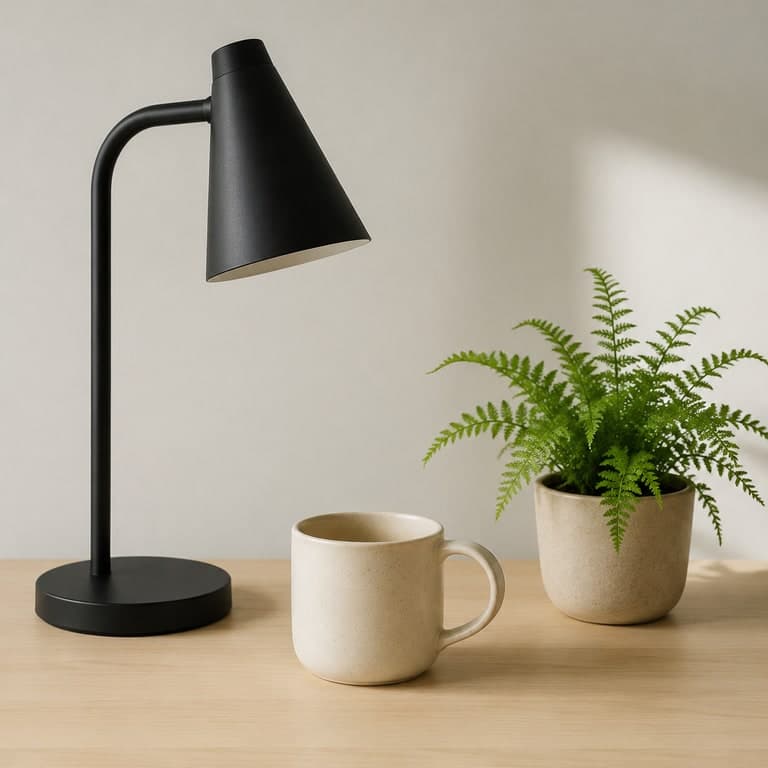
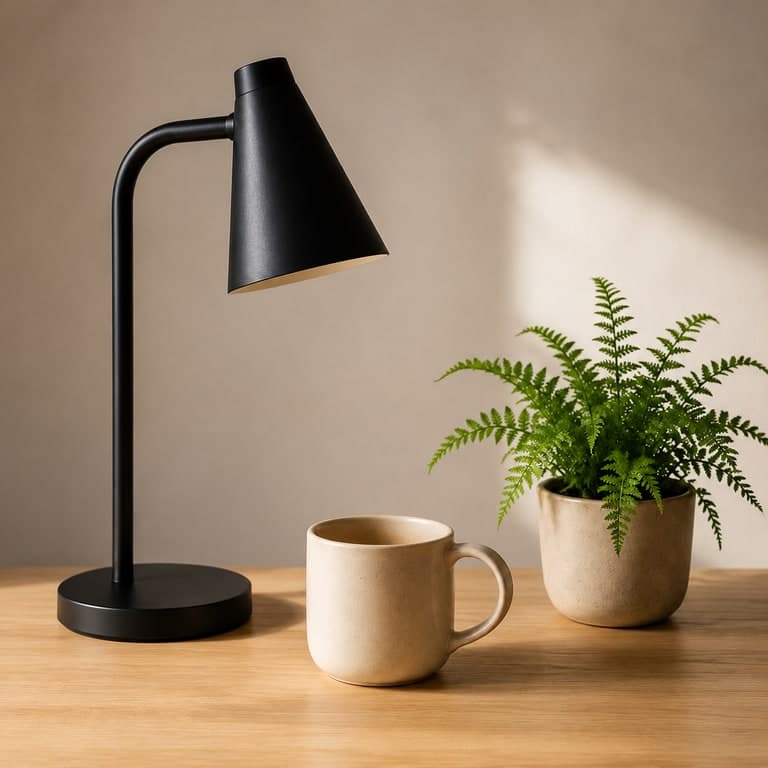
Refined editorial desk setup, keep the lamp, cup, plant, and wood surface, improve lighting, material detail, and composition.
Room restaging
Modernize this room with warmer lighting, cleaner decor, and premium furniture while preserving the wall, window, and floor layout.
Product mood change
Restage this product image into a clean premium campaign mood, preserving product shape, angle, and main material identity.
Source image checklist
Examples for this workflow
Image to image AI example
Image to Image AI Desk Setup Example
Start with a simple desk setup and generate a cleaner editorial version while preserving the same core objects....
AI real estate virtual staging example
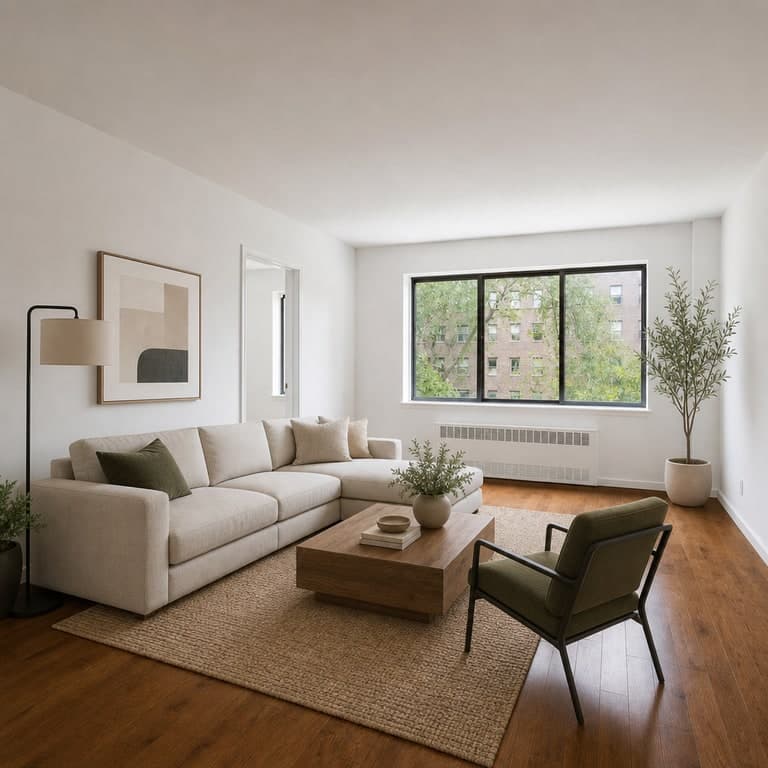
AI Real Estate Room Staging Example
Preview how an empty room source image can become a warmer, furnished listing photo for real estate marketing....
AI skincare product ad example
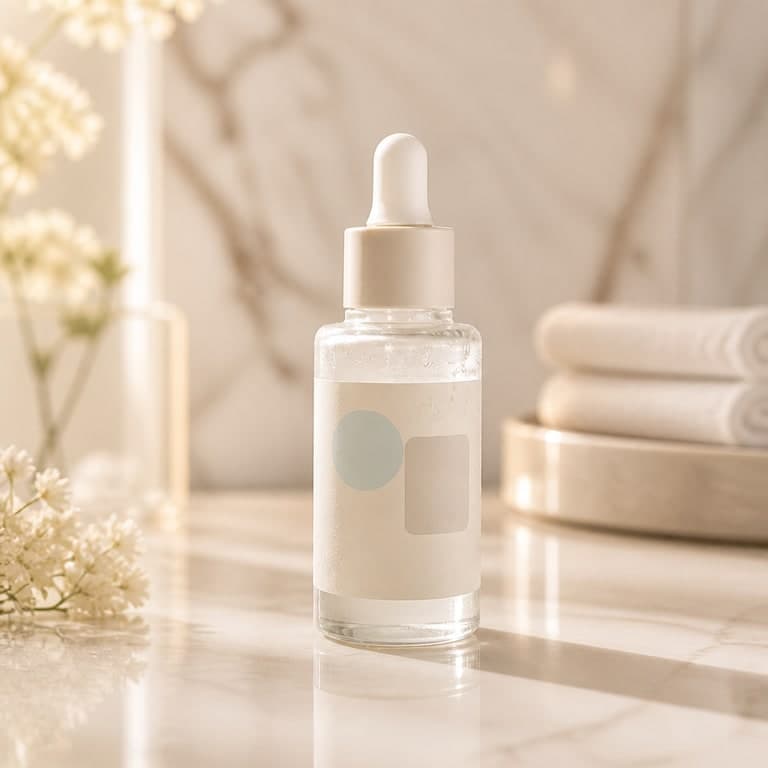
AI Skincare Product Ad Example
Transform a simple skincare bottle photo into a softer, more luxurious product advertising image....
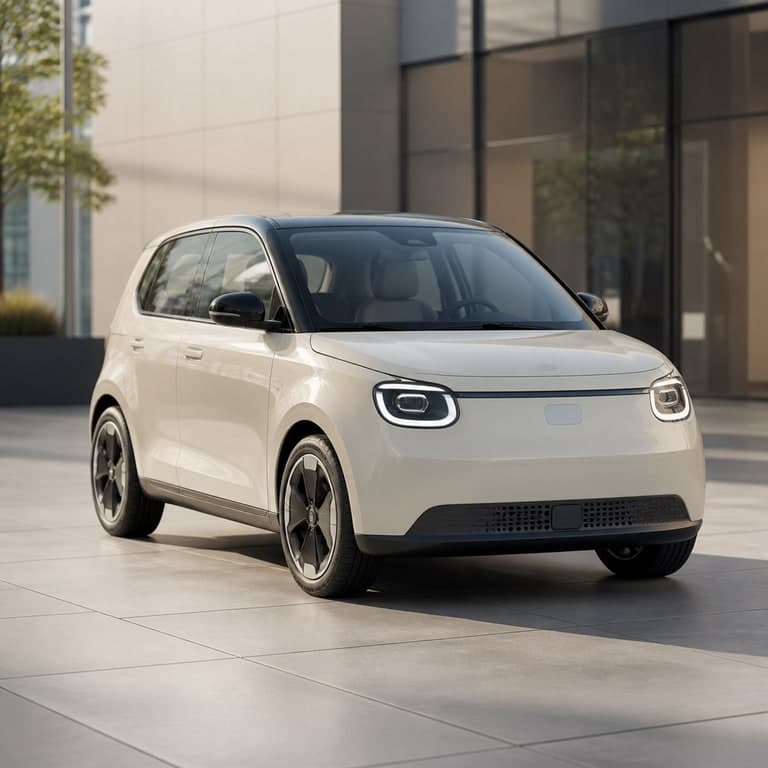
AI car listing photo example
AI Automotive Listing Example
Upgrade a straightforward vehicle reference into a cleaner, more eye-catching marketplace listing image....
Workflow FAQ
Is redraw the same as brush-mask inpainting?
ImageRift currently focuses on prompt-guided source-image redraws. Dedicated brush-mask editing is a deeper editor workflow and should not be claimed as pixel-level mask control.
How do I make redraw results more controlled?
Explicitly say what should stay the same and keep each prompt focused on one visual change such as light, material, background, or staging.