Workflow hub
AI image variations from one upload
Create new campaign, product, social, or concept directions from the same source composition without starting from a blank prompt.
Users want alternate versions of the same source image for ads, products, thumbnails, social posts, or creative exploration.
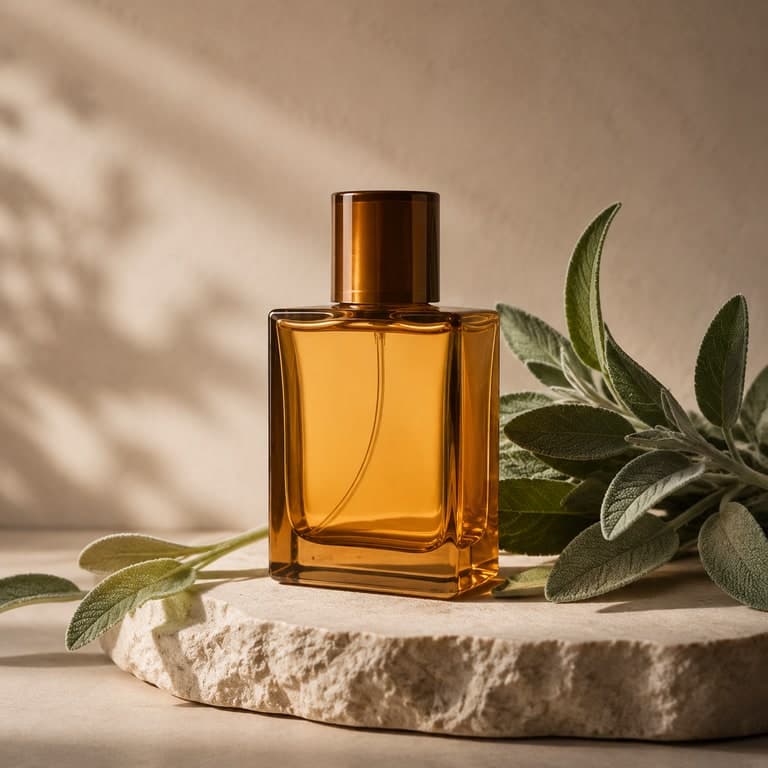
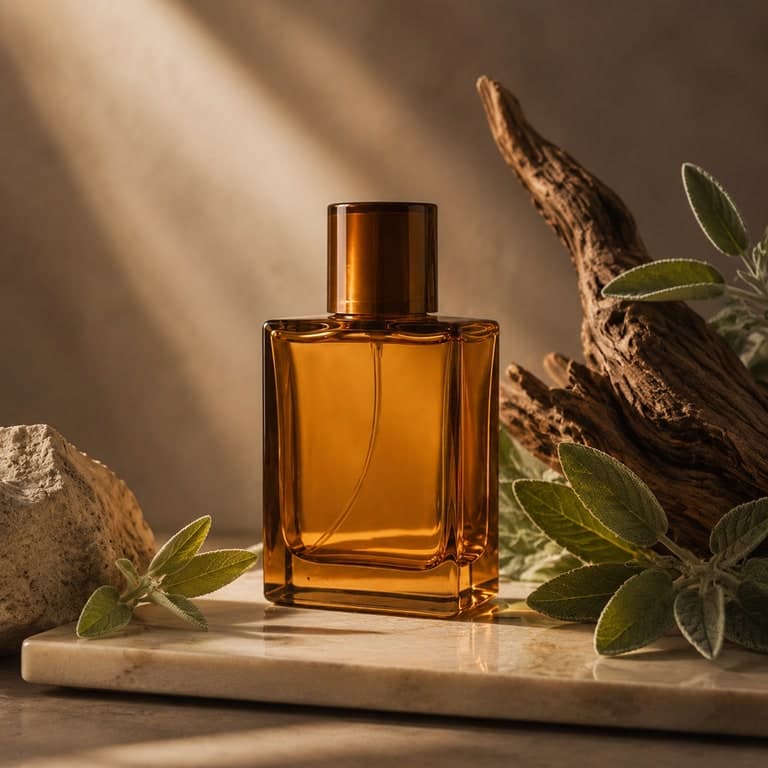
Best fit
When to use this workflow
This hub is built for users who already have a source image and need a controlled result instead of a blank-canvas text-to-image output.
Product campaigns, ad tests, marketplace images, social posts, thumbnails, and creator assets.
Teams that need multiple visual directions from the same source image.
Users who want variety without losing product identity or subject continuity.
Workflow tutorial
How to get a better result
Step 1
Upload the reference
Choose the image that defines the subject, layout, or product identity.
Step 2
Describe the variation goal
Ask for a new mood, ad angle, setting, color palette, or campaign direction.
Step 3
Keep identity anchored
Mention the elements that must remain stable: product shape, pose, object count, room layout, or silhouette.
Step 4
Batch and compare
Generate several variations, compare against the source, then save the strongest direction.
Prompt recipes
Use these as starting points, then replace the subject, setting, or channel-specific goal with your own image context.
Product ad variation
Premium product photo variation, keep the bottle shape and material identity, change props and lighting into a clean campaign scene.
Social thumbnail variation
Energetic social post variation, preserve the main object and composition, add brighter lighting and clearer visual hierarchy.
Interior concept variation
Alternative interior styling direction, keep room layout and windows, change furniture mood, palette, and decorative details.
Source image checklist
Examples for this workflow
Image variation example
AI Image Variations Product Example
Create a new campaign-style variation from a product source image while keeping the same bottle identity and premium fee...
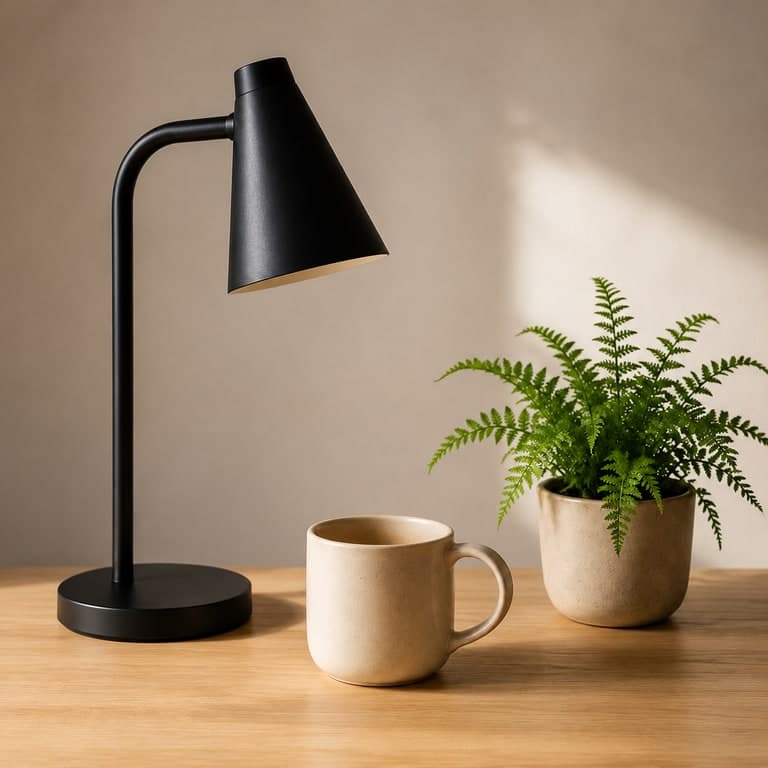
Image to image AI example
Image to Image AI Desk Setup Example
Start with a simple desk setup and generate a cleaner editorial version while preserving the same core objects....
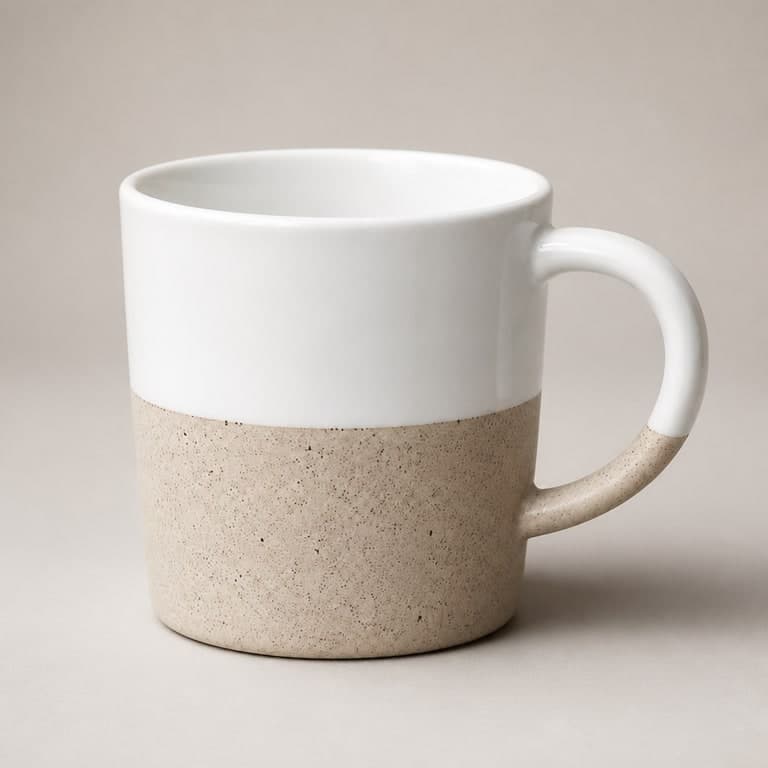
AI ecommerce product photo example
AI Ecommerce Product Photo Example
Turn a plain product reference into a polished ecommerce image with cleaner lighting, sharper texture, and a more premiu...
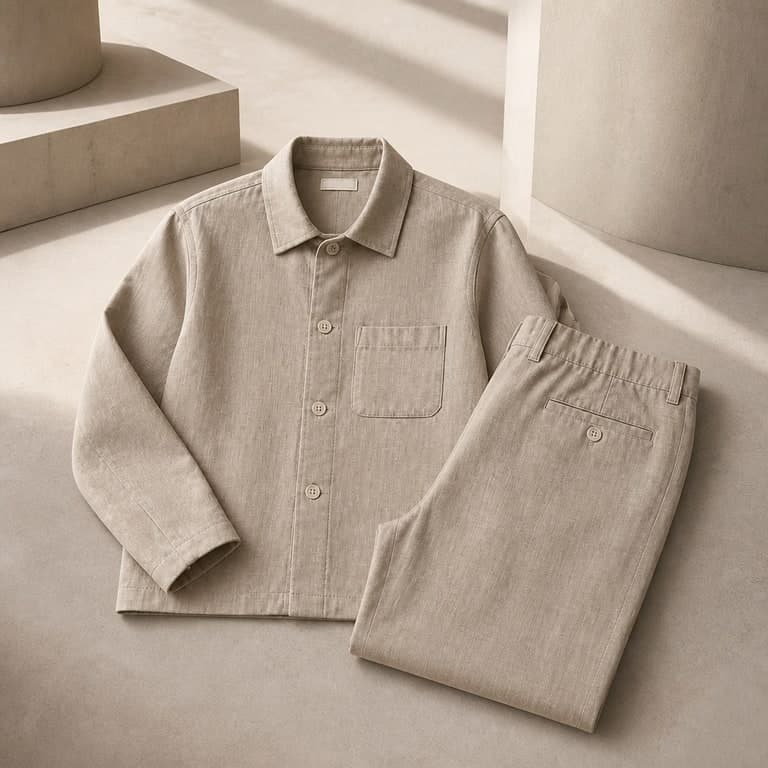
AI fashion lookbook image example
AI Fashion Lookbook Example
Use an apparel reference image to create a more editorial fashion lookbook direction without a full reshoot....
Workflow FAQ
Are variations the same as text-to-image generation?
No. Variations start from your uploaded image, so the output can keep the main subject and layout instead of inventing everything from text.
Can I generate multiple variations from the same source?
Yes. You can reuse the same source image and prompt direction to compare several visual routes before choosing one.