Workflow hub
AI image enhancer for cleaner source photos
Improve clarity, detail, exposure, and presentation while keeping the result close to the original source image.
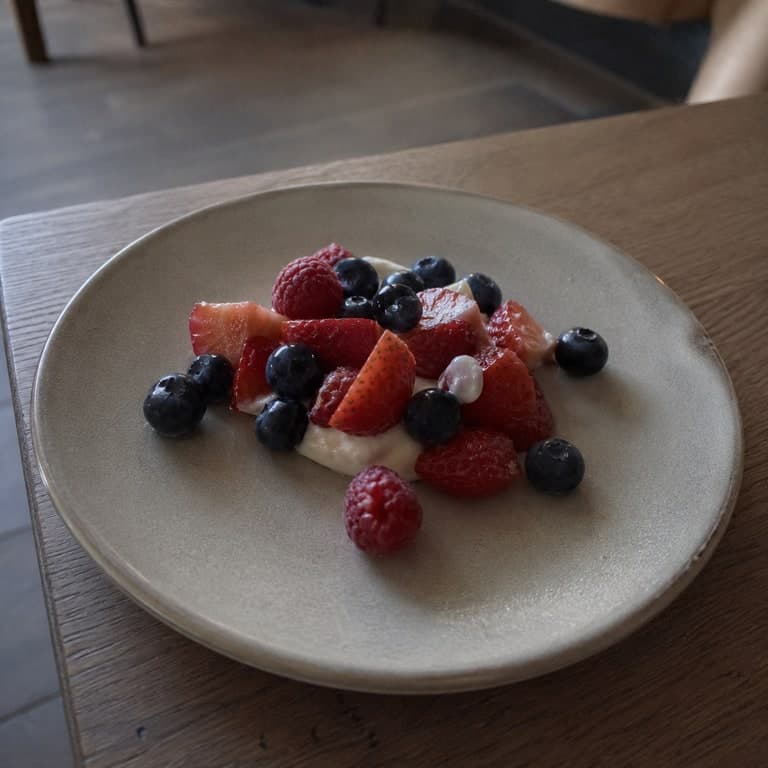
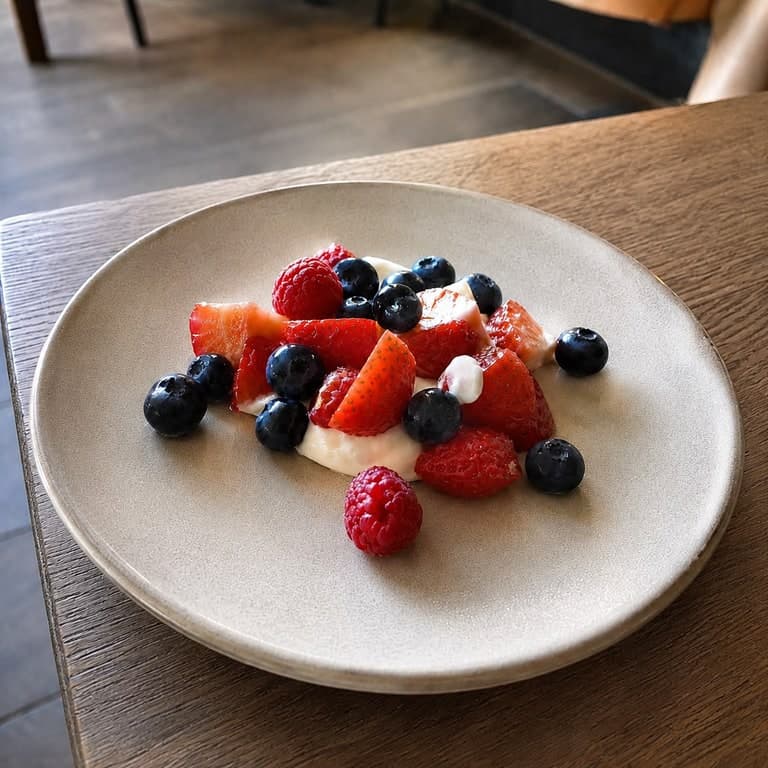
Users want to sharpen, clean up, denoise, brighten, or upscale a low-quality source image while keeping it realistic.
Best fit
When to use this workflow
This hub is built for users who already have a source image and need a controlled result instead of a blank-canvas text-to-image output.
Phone photos, compressed social images, dim product shots, old images, and low-detail thumbnails.
Users who need a cleaner image before publishing, selling, or sharing.
Workflows where realism matters more than heavy stylization.
Workflow tutorial
How to get a better result
Step 1
Upload the image
Start with the blurry, noisy, dim, or compressed image you want to clean up.
Step 2
Use enhance mode
Choose the enhancement workflow instead of a heavy style conversion.
Step 3
Name the realism goal
Ask for sharper detail, better exposure, cleaner texture, or product-ready polish.
Step 4
Export at the right tier
Use standard output for quick previews, 2K on Pro, and 4K-class output on Business when needed.
Prompt recipes
Use these as starting points, then replace the subject, setting, or channel-specific goal with your own image context.
Realistic cleanup
Clean up this image realistically. Sharpen subject detail, reduce noise, improve exposure, and preserve natural colors.
Product polish
Improve product photo quality with cleaner lighting, sharper texture, refined shadows, and a premium ecommerce finish.
Food photo enhancer
Enhance this food photo with appetizing light, clearer texture, natural color, and clean menu-ready presentation.
Source image checklist
Examples for this workflow
Free AI image enhancer example
Free AI Image Enhancer Example
Clean up a dim cafe snapshot into a sharper, brighter image while keeping the result realistic and close to the source....
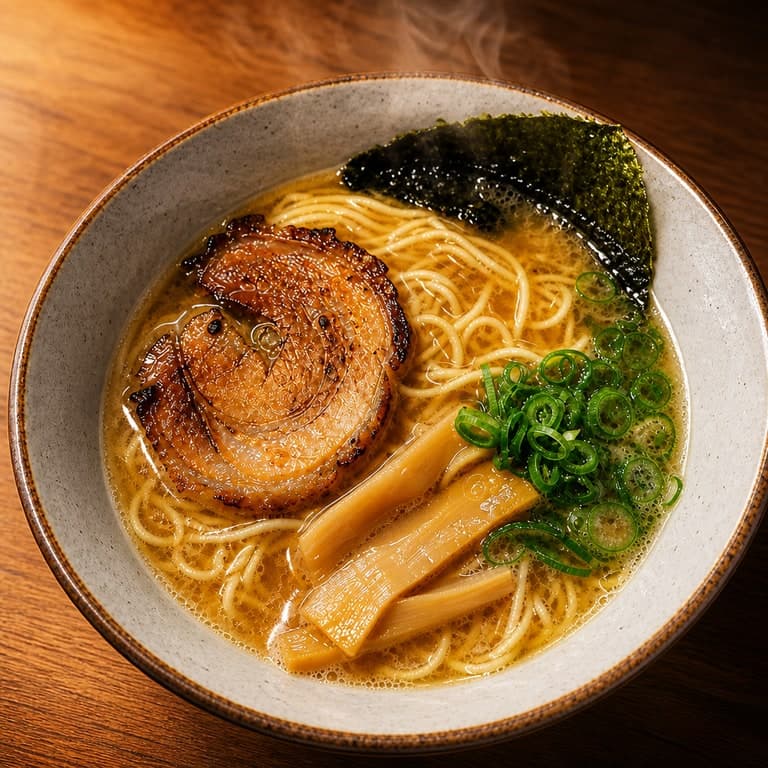
AI food photo enhancer example
AI Restaurant Menu Photo Example
Enhance a casual dish snapshot into a cleaner menu-ready food image with appetizing light and composition....

AI hotel room photo example
AI Hotel Room Marketing Example
Turn a basic hotel room snapshot into a more inviting hospitality image for travel listings and booking pages....
AI jewelry product photo example
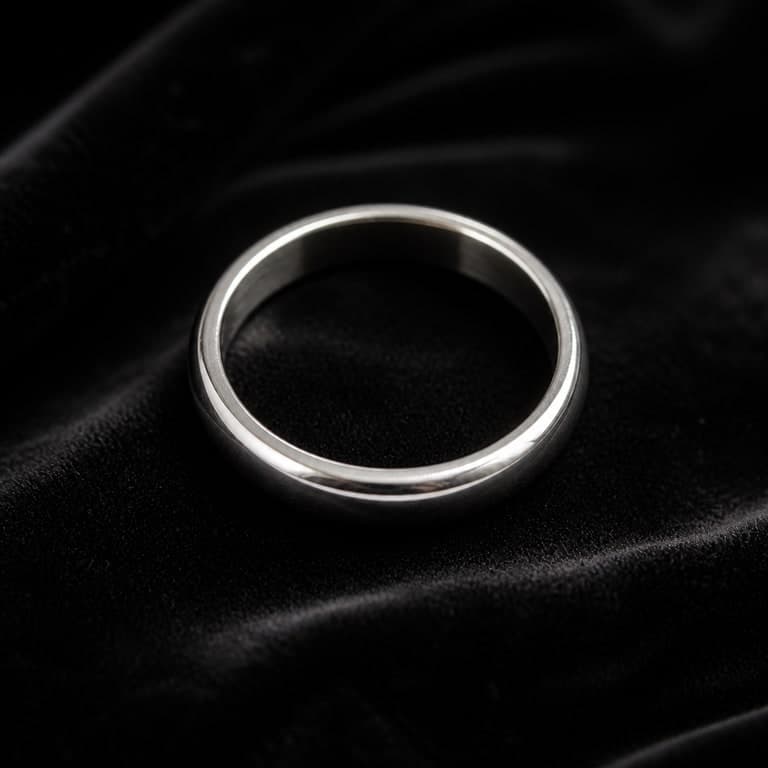
AI Jewelry Macro Photo Example
Create a premium jewelry product image from a simple ring reference with stronger reflections and texture....
Workflow FAQ
Does enhancement change the image content?
The goal is to keep the image realistic and close to the source while improving clarity, exposure, and presentation.
Can Free users try enhancement?
Yes. Free users can try standard watermarked generations. Paid plans remove the watermark and unlock higher plan rights.