AI Image Enhancer sharper, bigger, cleaner
Upload a blurry, pixelated, or compressed photo and get a clean 2K or 4K-class result with restored detail.



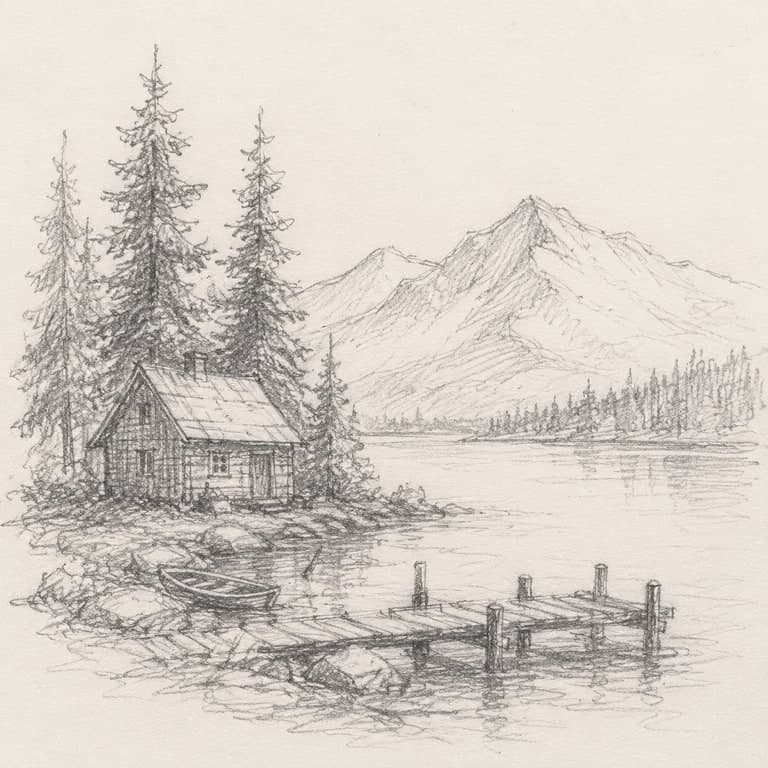
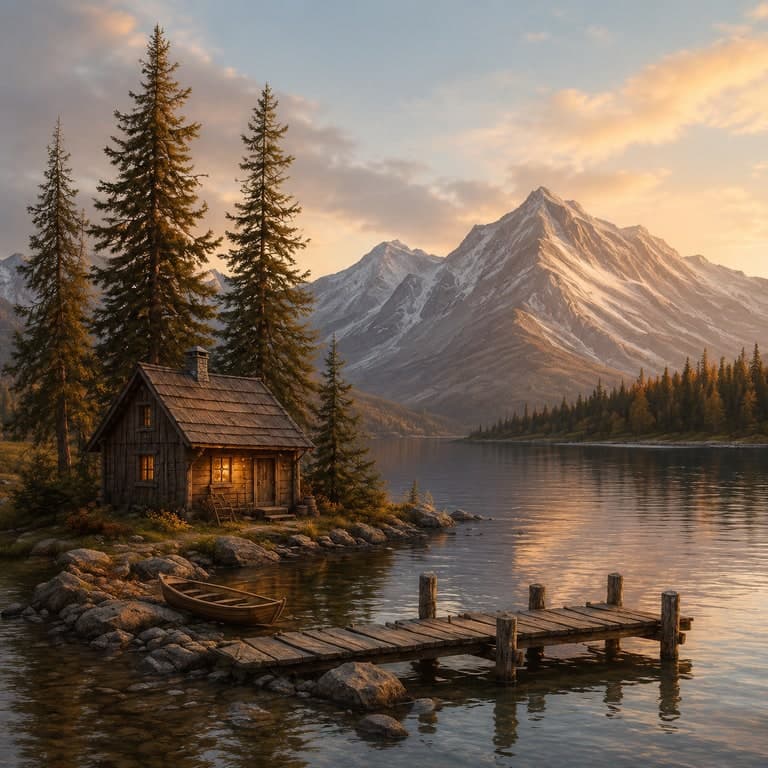
Anonymous uploads auto-delete after 24h. Signed-in images are retained for private history up to 90 days.
Why it matters
Why AI enhancement beats Photoshop sharpen
Restores detail, not just pixels
Traditional resizing interpolates. AI enhancement re-renders detail, adding plausible texture, hair strands, and edge crispness.
Works on any input
Old photos, screenshots, low-res ecommerce shots, and illustrations all work as source material.
No prompt required
Just upload and click. The enhancer figures out what to sharpen and what to keep soft.
Page workflow
How to use AI Image Enhancer
Three steps. Up to 4K-class output.
- 01
Upload a blurry or low-resolution photo
Start with a clear source image for ai image enhancer. The upload anchors the subject, pose, layout, and important visual details.
- 02
Choose enhance mode
Use the preset workflow for ai image enhancer, then adjust strength, prompt wording, and aspect ratio so the output stays useful.
- 03
Generate and compare
Review the before/after output against the source. If the result drifts too far, lower the transformation strength or simplify the prompt.
- 04
Save, download, or retry
Keep the best version in Gallery, download the sample, or regenerate with a tighter prompt. Higher-resolution exports follow your plan.
AI Image Enhancer workflow
Best workflow for AI Image Enhancer
Three steps. Up to 4K-class output. The examples on this page use the same source-image pattern: upload one image, guide the change with enhance mode, compare the result, then export only the version that works.
Clean up practical source images
Sharpen, denoise, improve exposure, and rebuild soft details so ordinary phone photos become cleaner publishing assets.
- Keeps the source realistic
- Improves clarity and texture
- Failed tasks do not count against quota
Examples
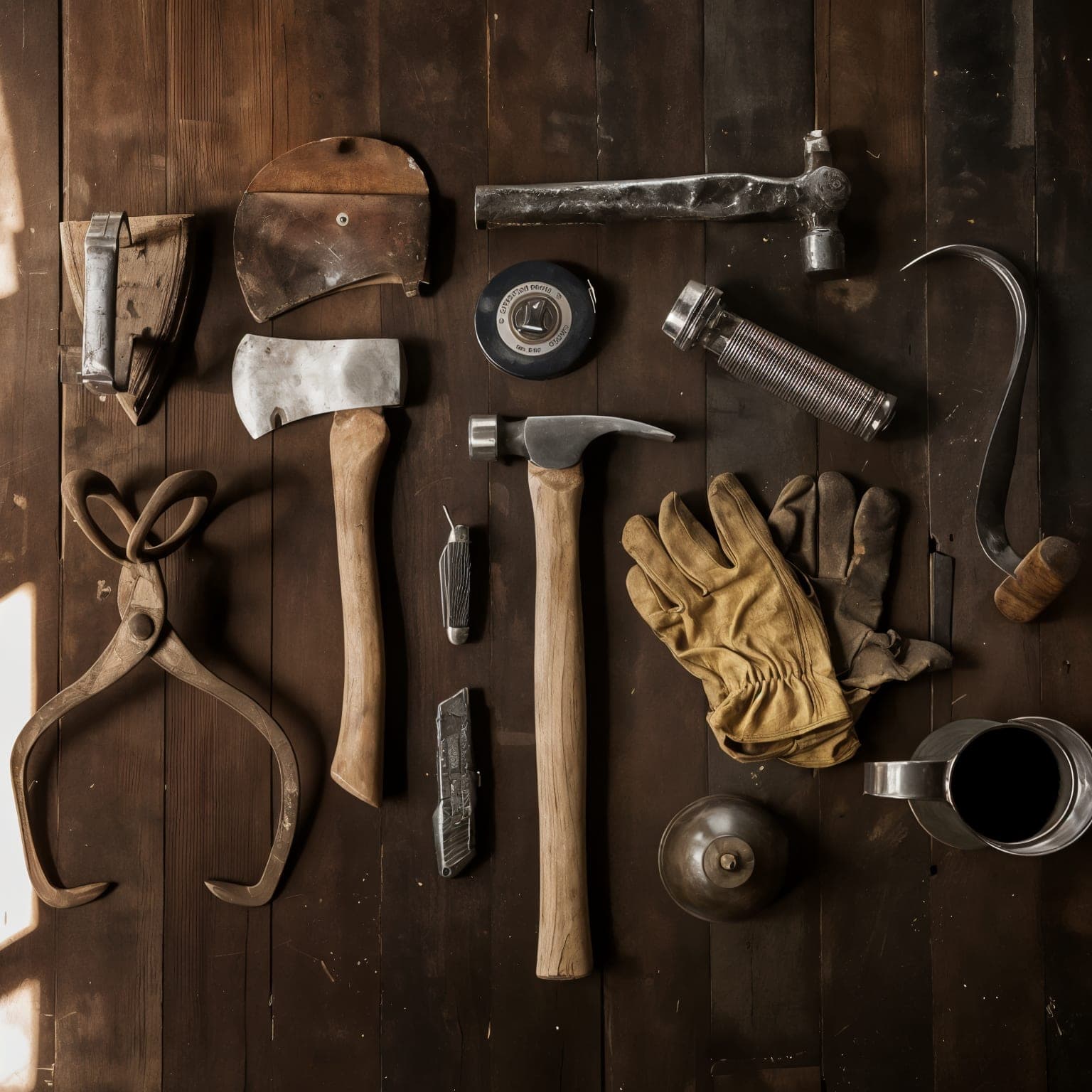
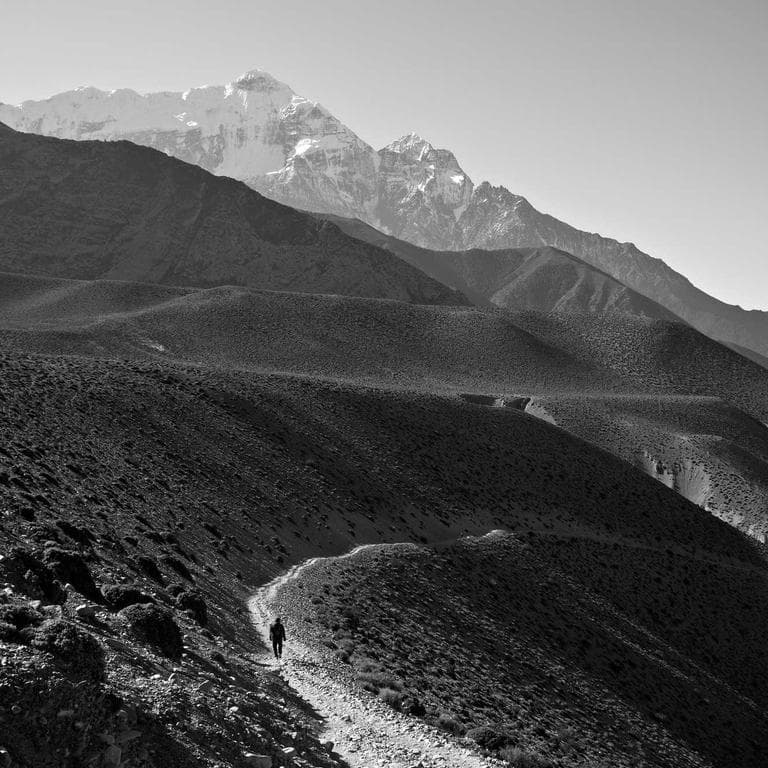
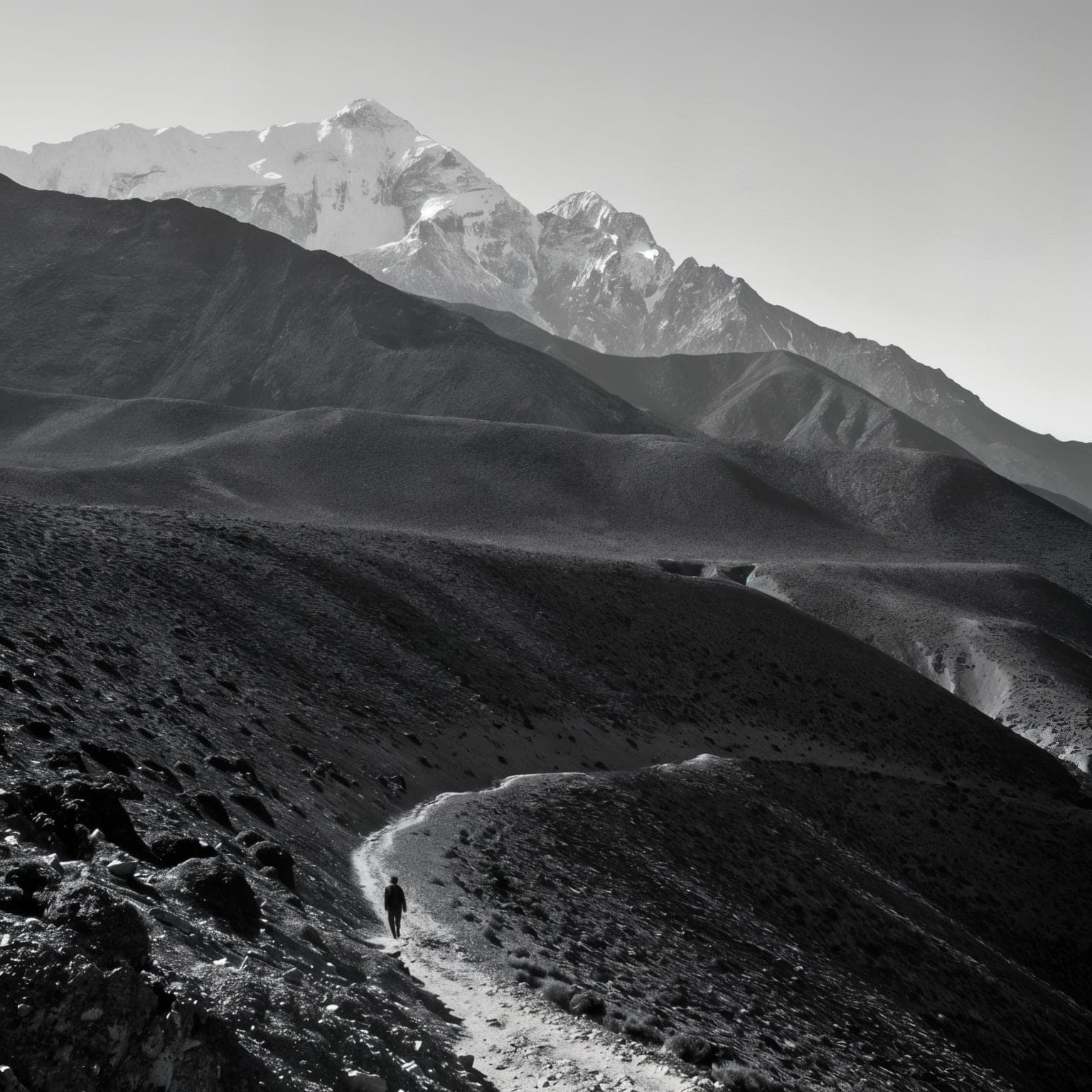
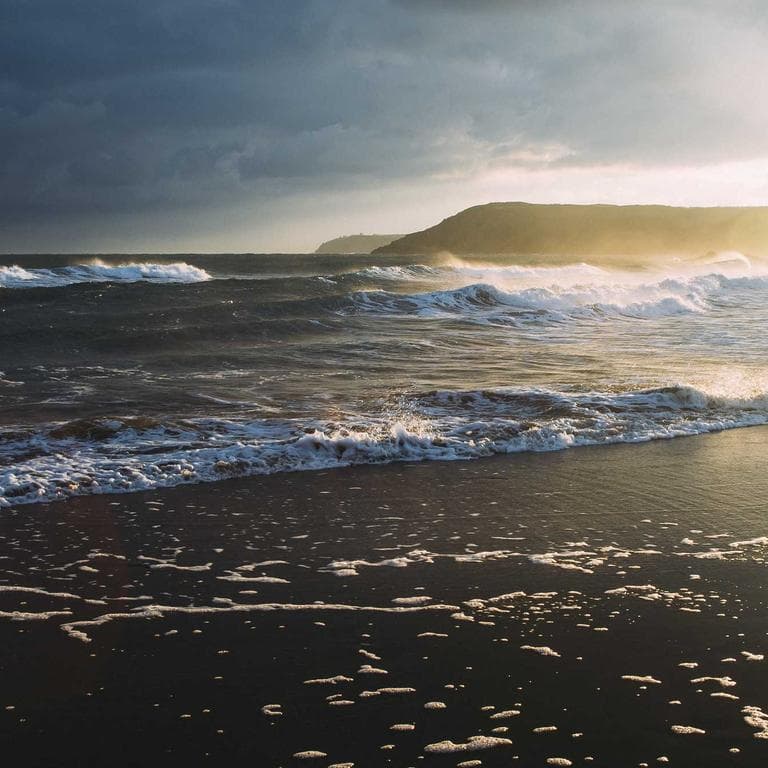
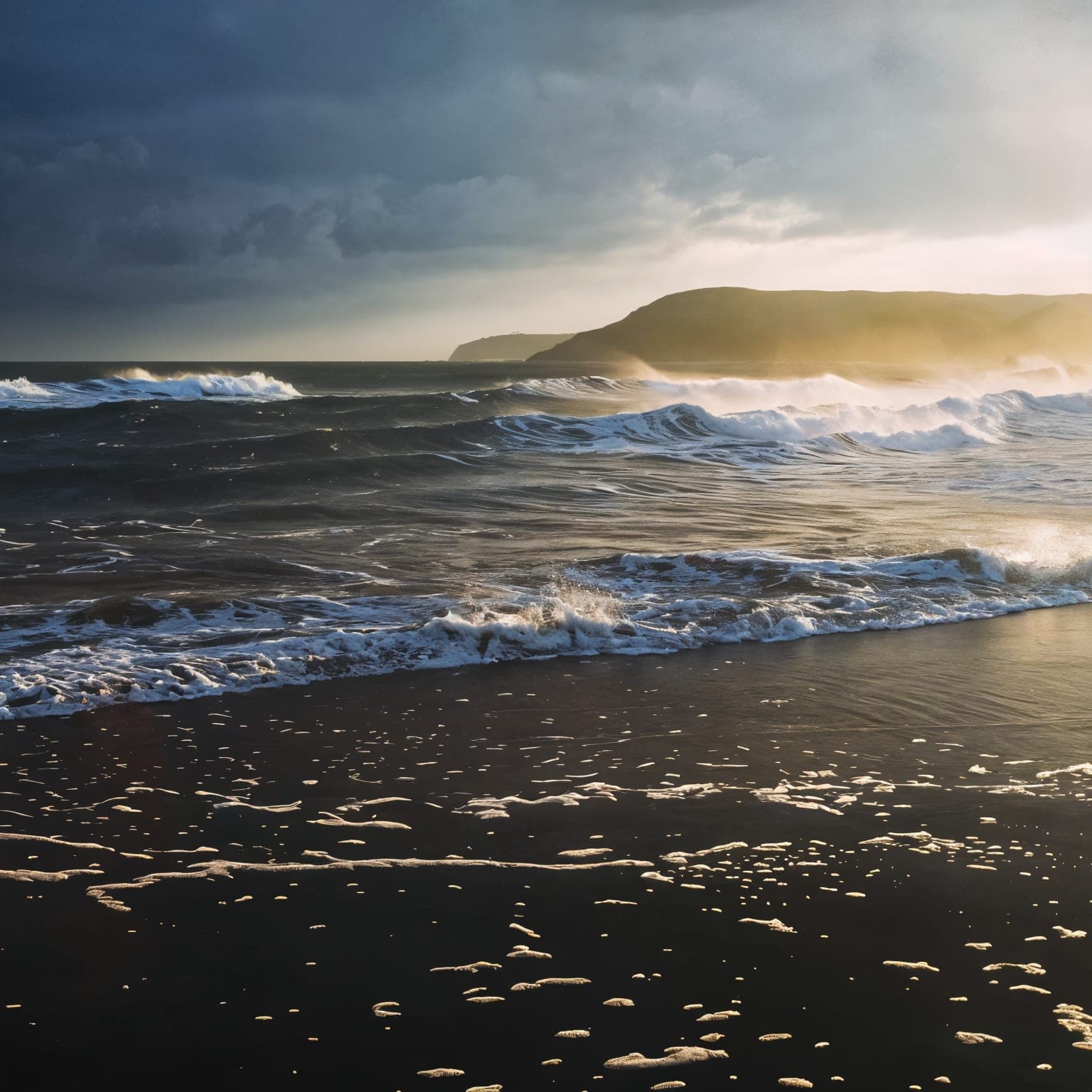
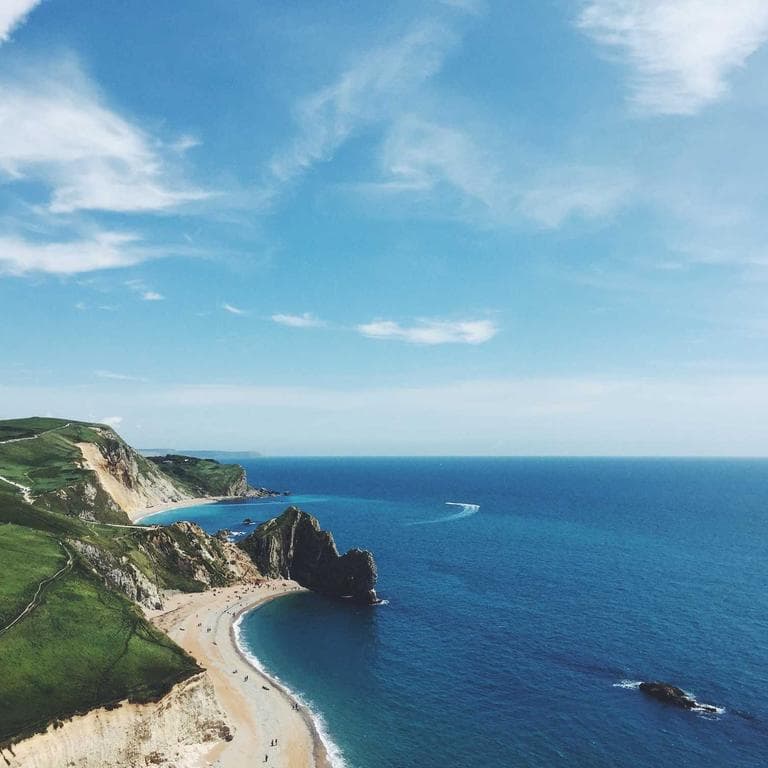
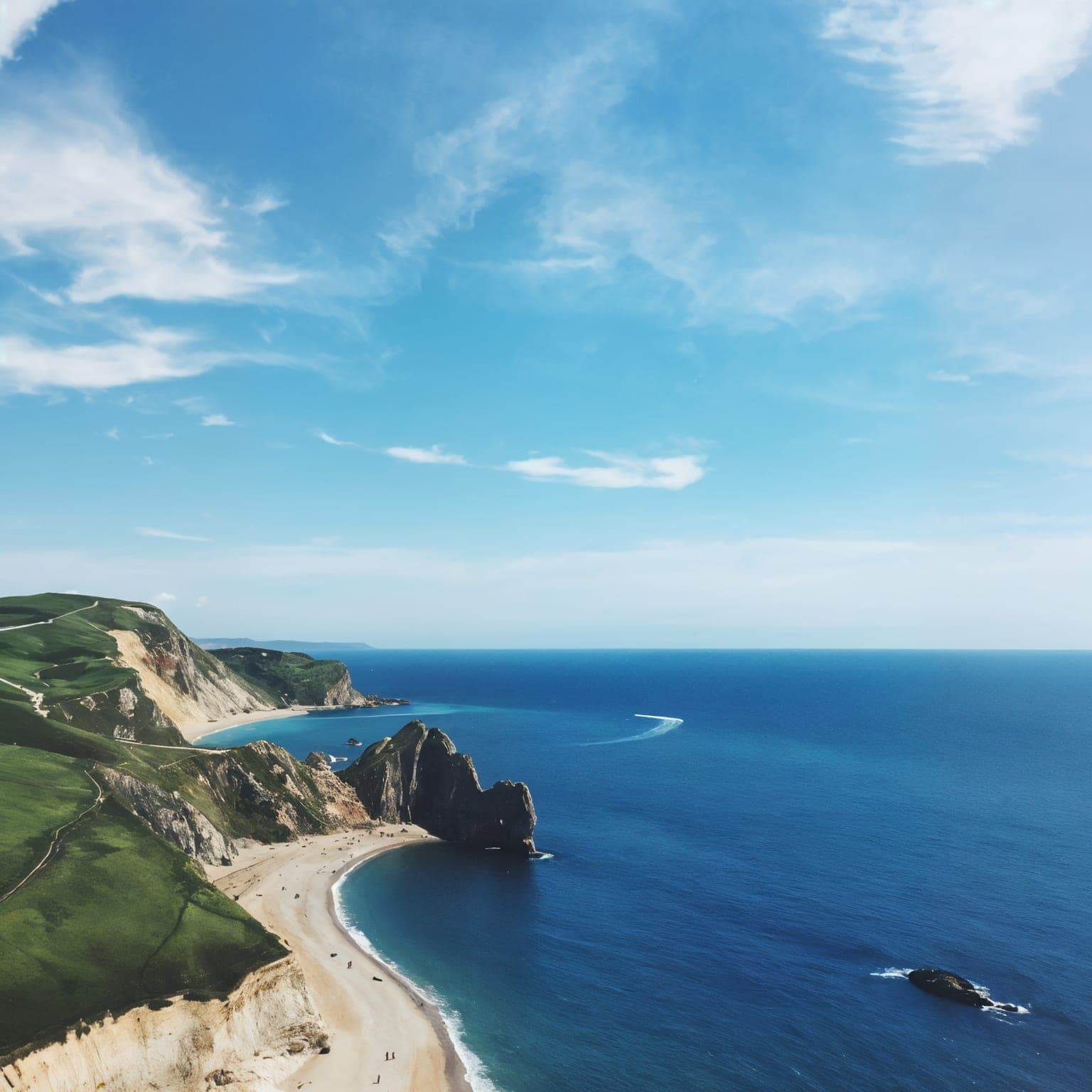
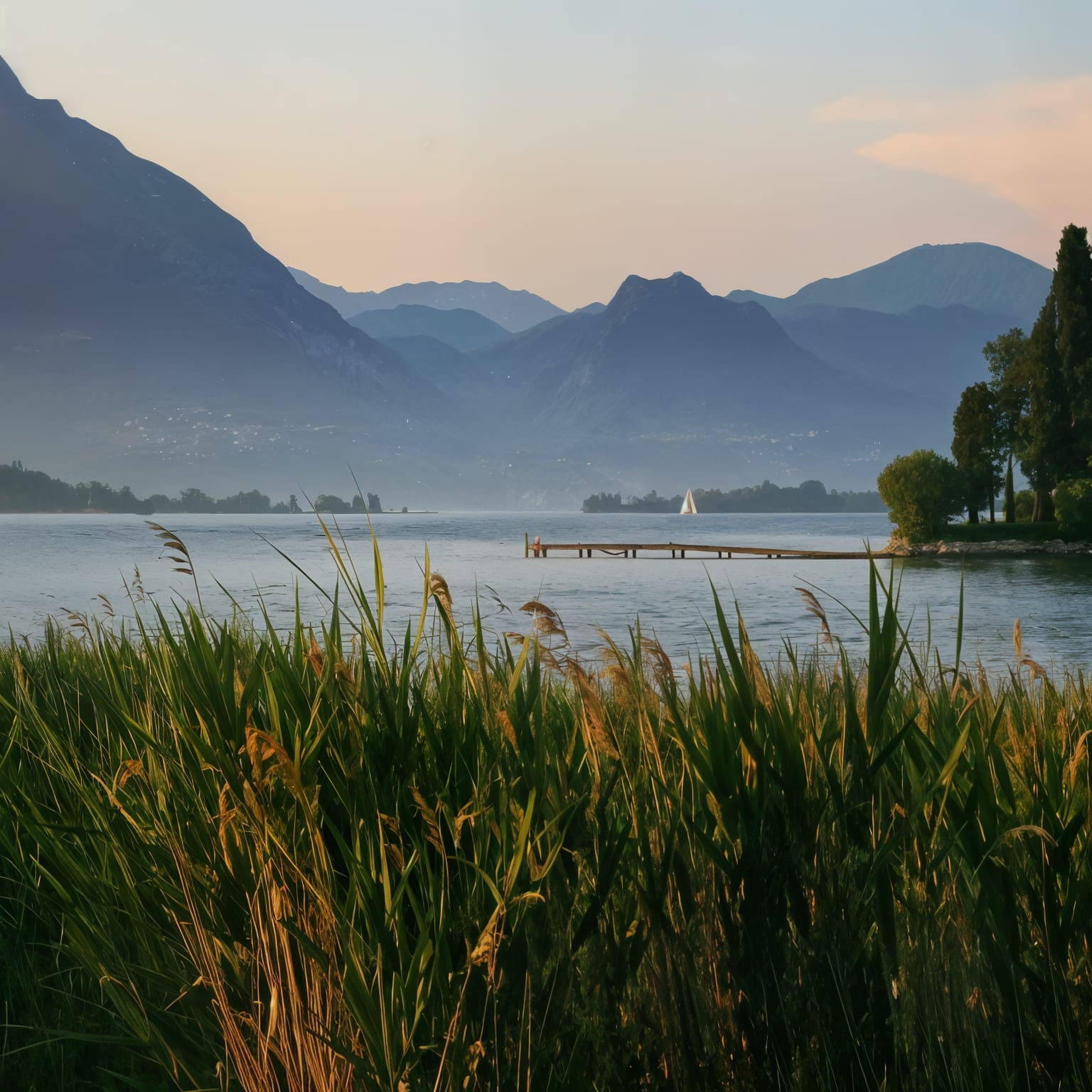
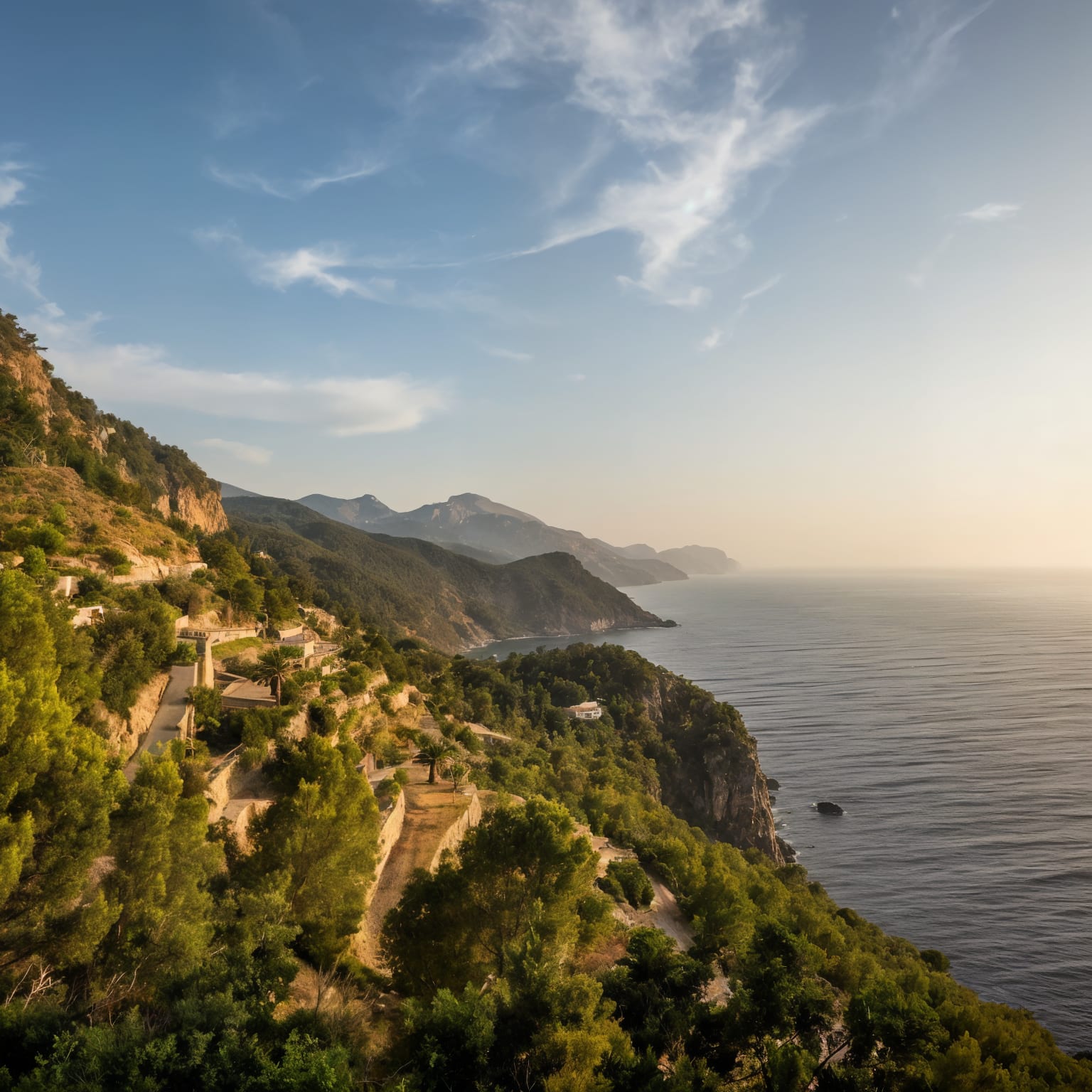
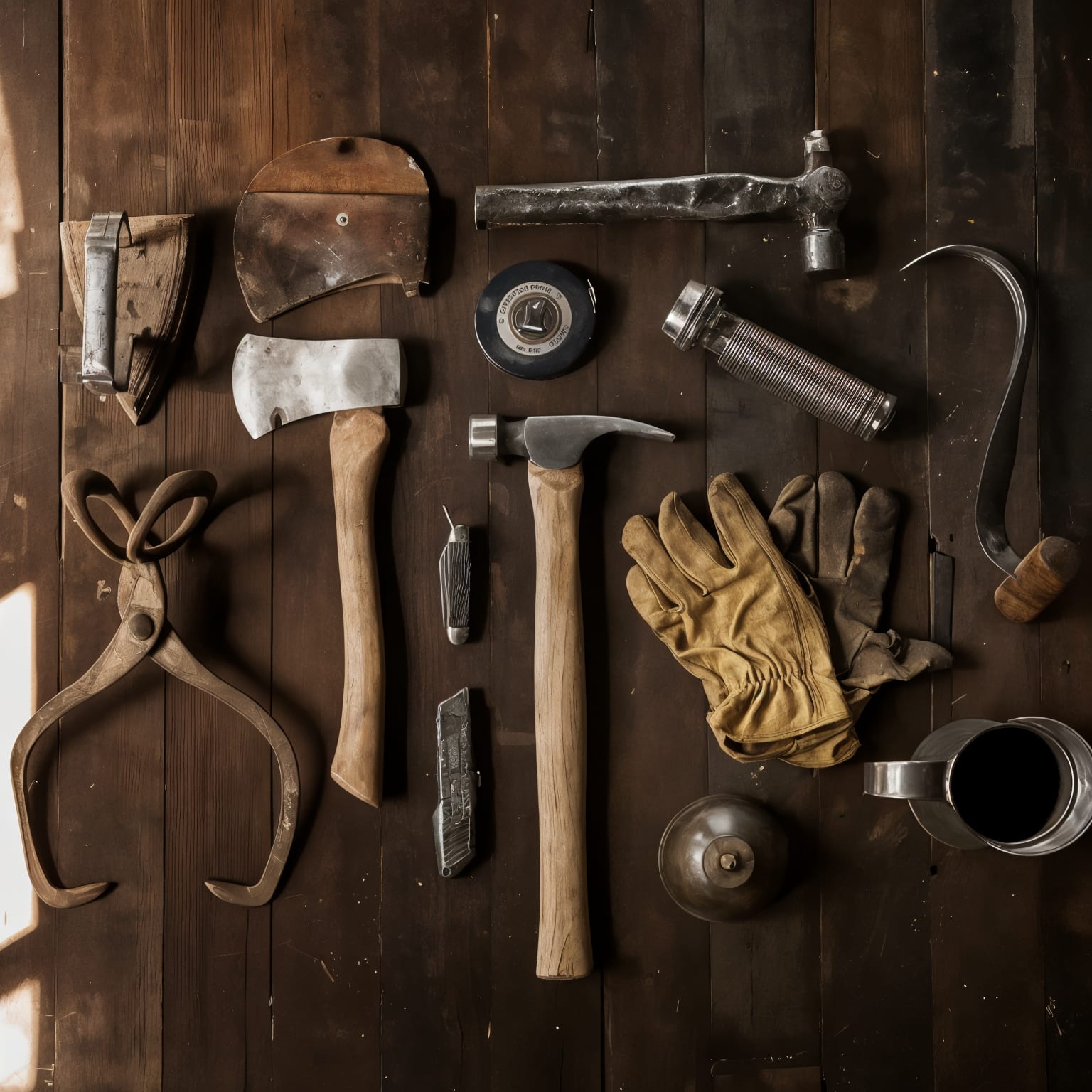
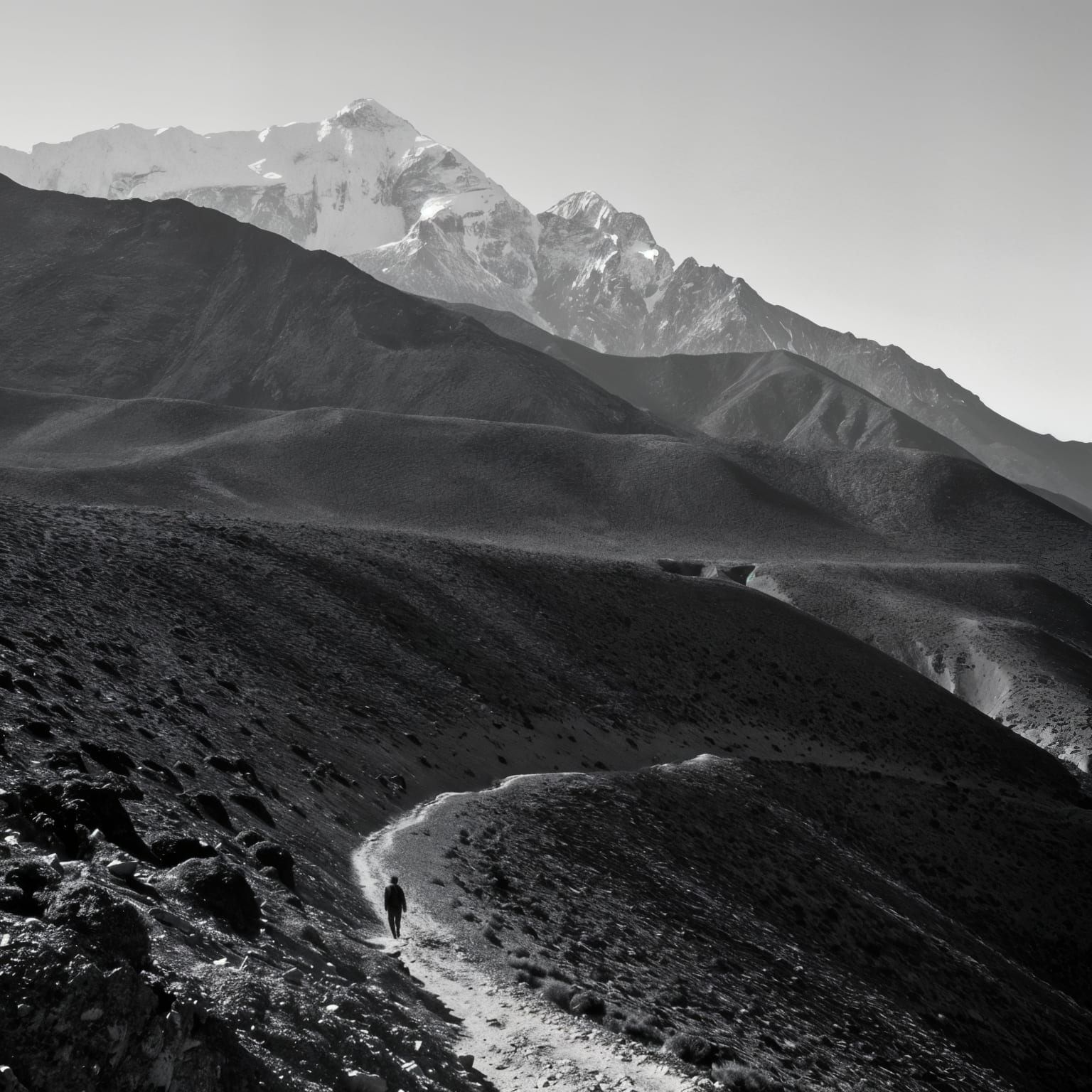
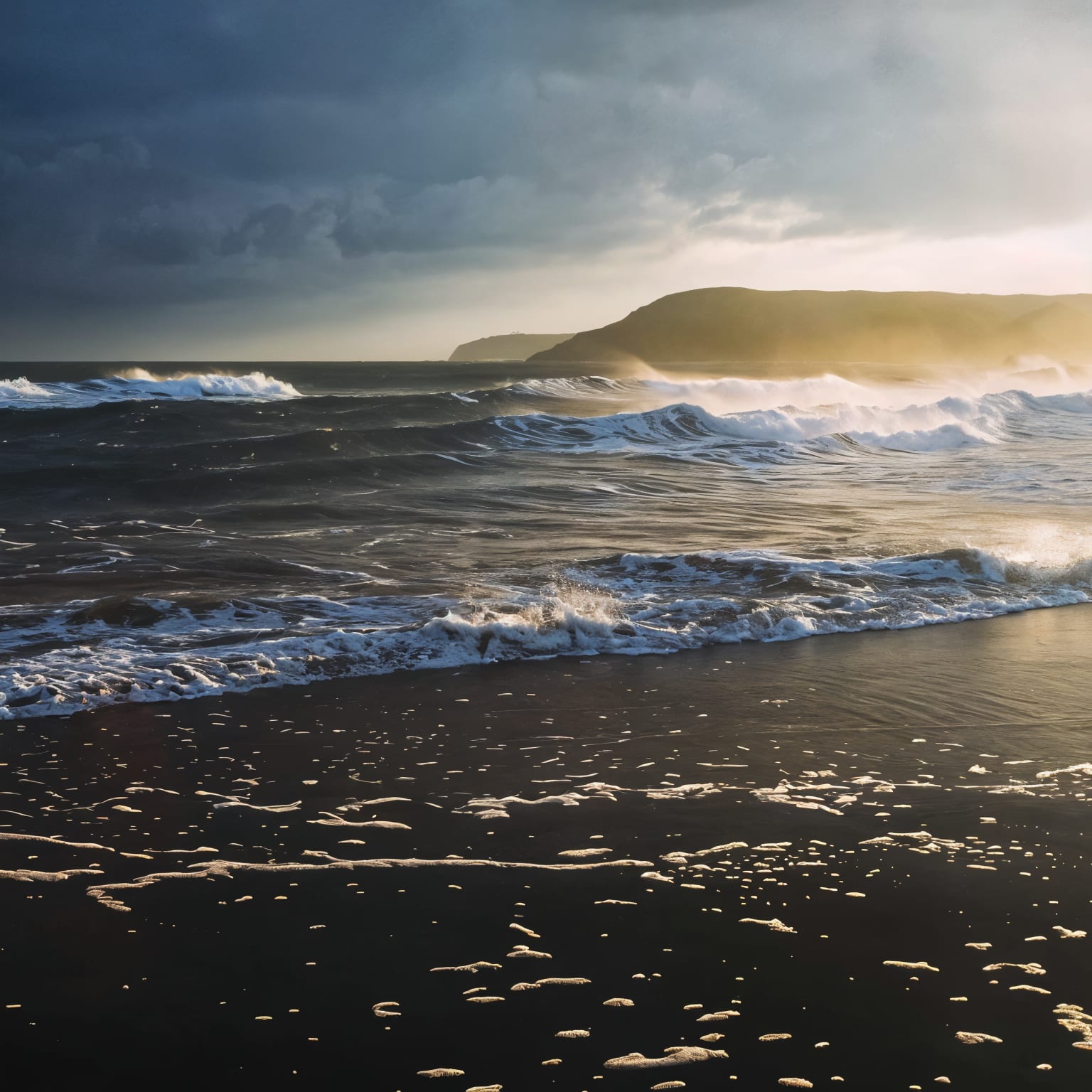
Real image-to-image examples, drag to compare
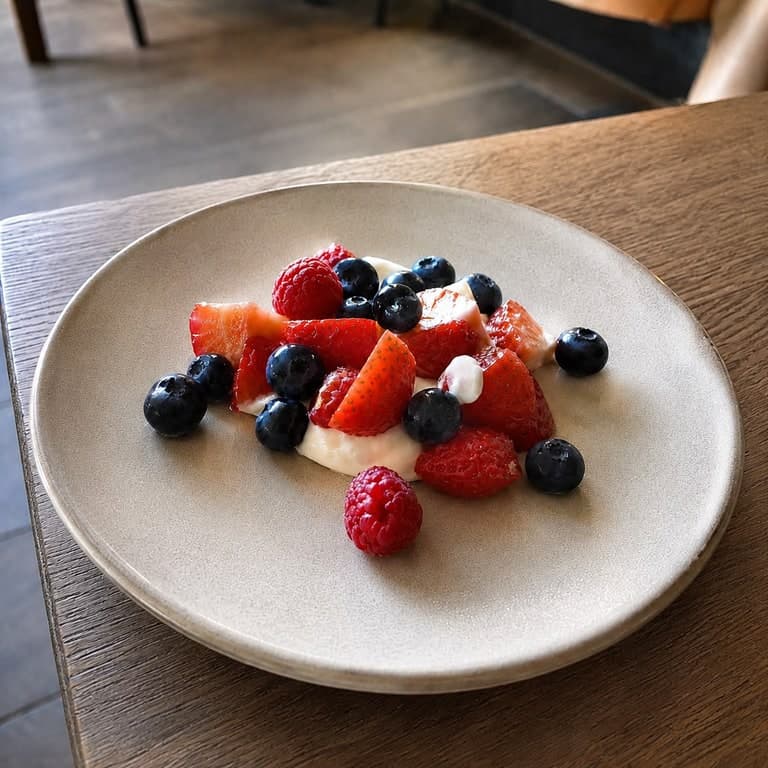
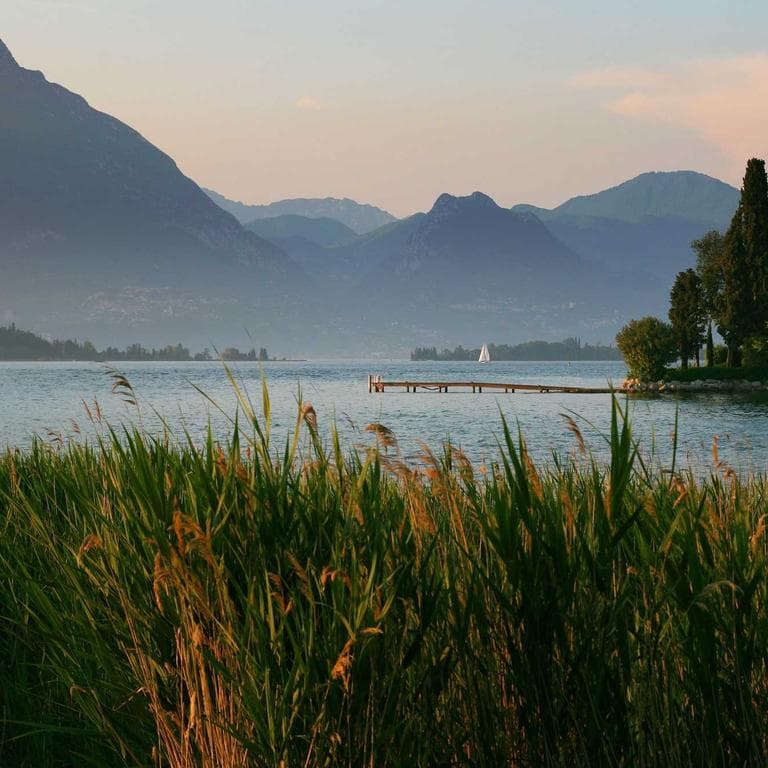
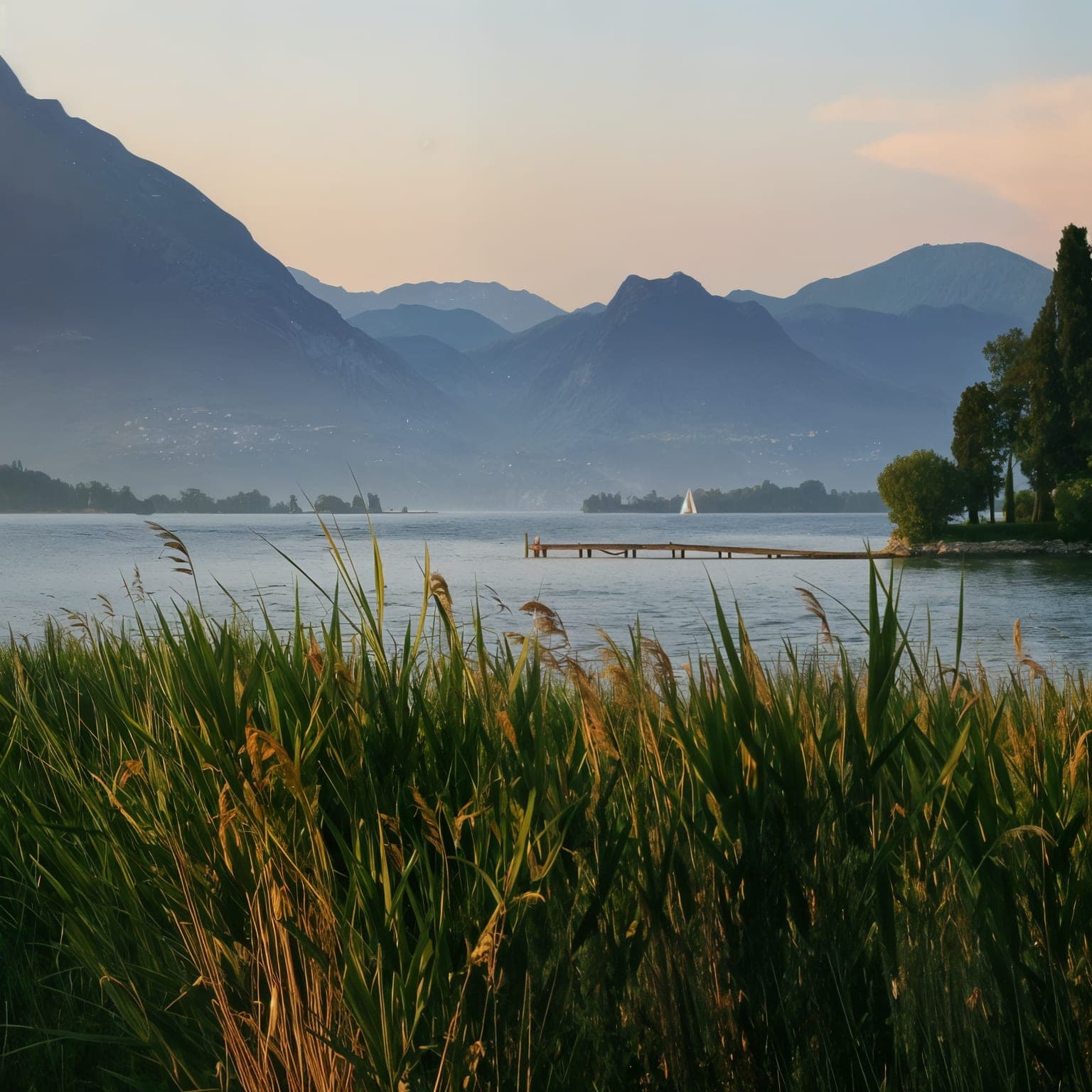
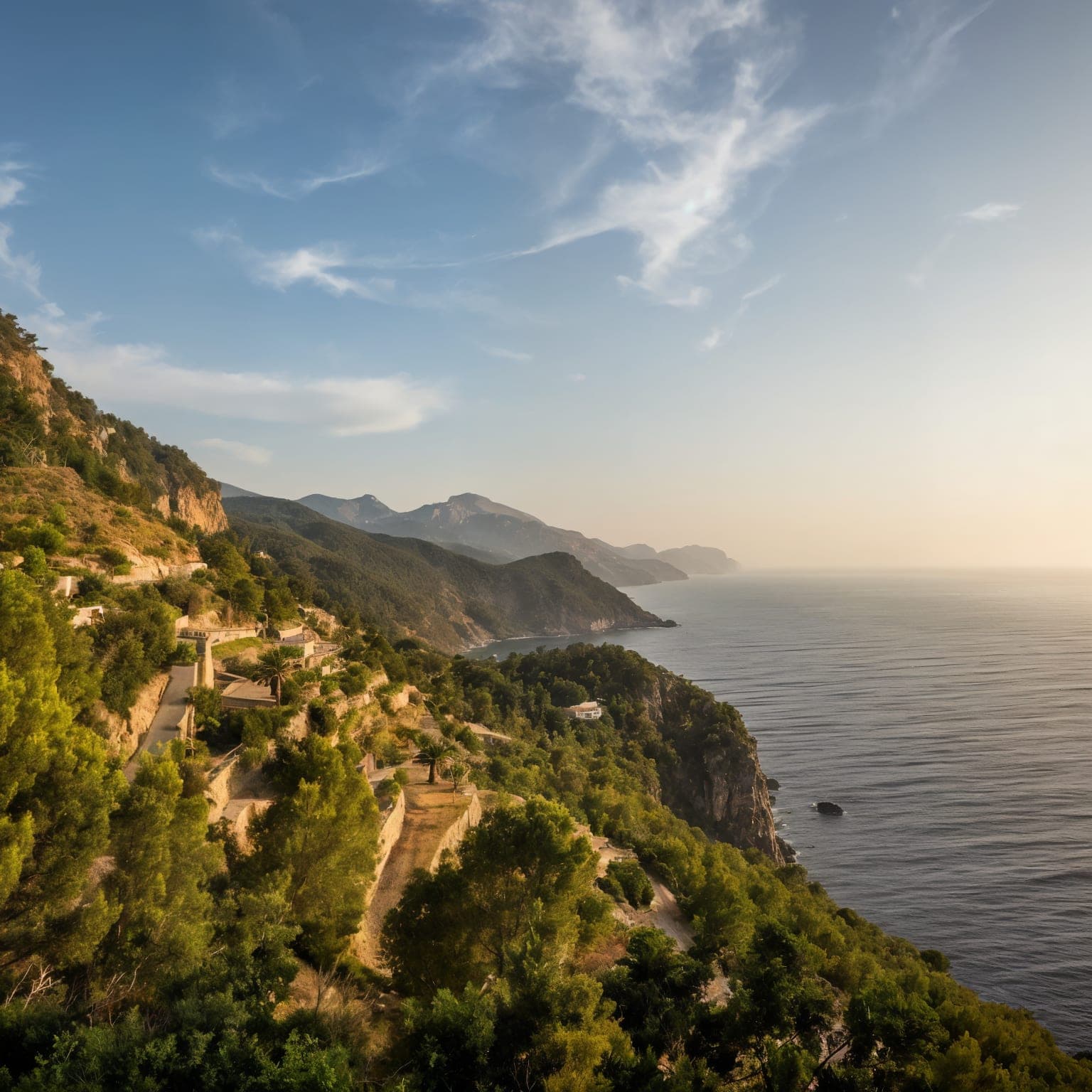
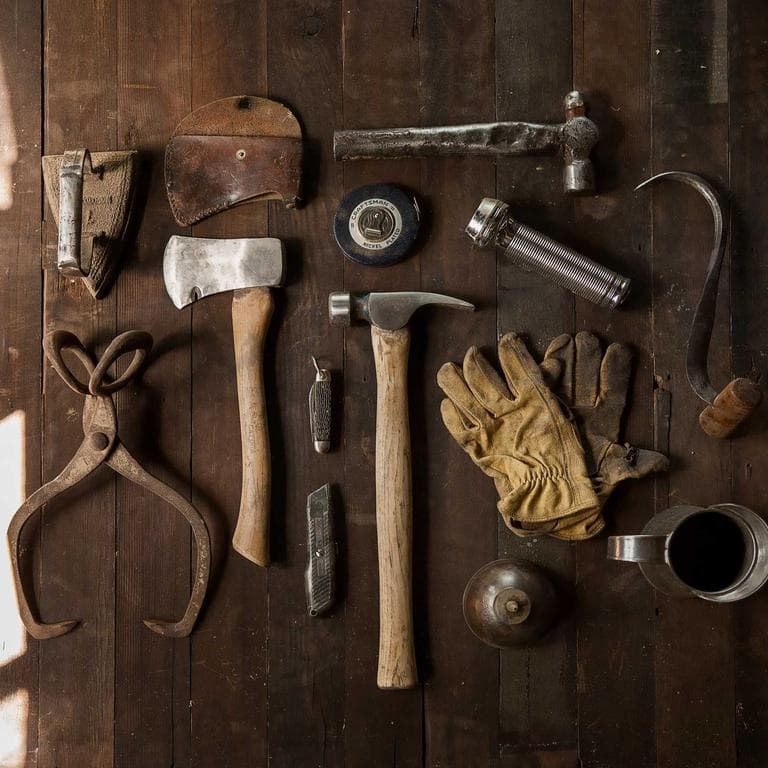
Every sample starts with a real source image and shows the generated result. Drag the slider, open the workflow page, or download the output.

Pricing
Pricing for image-to-image generation, exports, and API workflows.
Every plan counts completed outputs, not tokens. Failed jobs do not count, so your quota is a clear number of successful generations.
Upgrades start immediately and replace lower-tier subscriptions. Same-plan and lower-tier duplicate checkout is blocked. First paid charge refund window requires under 20% quota used.
Watermark-free 1024px image-to-image outputs for style transfers, variations, enhancements, thumbnails, and small commercial projects.
2K delivery files, API access, faster queues, and more iteration room for creators using source-guided workflows.
Shared team quota, optional team-shared gallery, owner-managed member caps, API throughput, and 4K-class campaign files.
Successful generations
Clear quota beats token math.
Your plan is a predictable number of finished outputs. If a job fails before completion, it is not treated as a successful generation, so you do not need to calculate image tokens, GPU minutes, or hidden conversion rates before starting a campaign.
No token math
Plans use a plain generation count instead of model-token estimates.
Only finished outputs
A successful generation means the job completes and produces a usable output.
Failures protected
Provider errors, timeouts, and failed jobs do not consume the stated quota.
Free
$0USD / month
1 no-signup trial, then 3/day after sign-in
No-signup preview included
- 1 no-signup trial
- 3 successful generations / day after sign-in
- Invited users get 5 signup credits
- No token math; failed jobs do not count
- 2 concurrent jobs
- 1024px export
- Watermarked
- Personal use only
Starter
$9.99USD / month
$0.100 per successful generation
Commercial use starts here
- 100 successful generations / month
- No token math; failed jobs do not count
- 3 concurrent jobs
- Queue priority
- 1024px export
- No watermark
- Commercial license
- Priority email support
Pro
$29.99USD / month
$0.060 per successful generation
API included - no separate API plan
- 500 successful generations, no token math, failed jobs do not count
- API included - 30 requests / min
- 2K high-resolution export
- Commercial license
- Higher queue priority
- 5 concurrent jobs
- Priority email support
Business
$79.99USD / month
$0.027 per successful generation
Team space with owner-managed quota
- 3000 successful generations / month
- No token math; failed jobs do not count
- Team workspace - owner-managed member quota
- API included - 120 requests / min
- 2K or 4K-class export
- Commercial license
- Highest queue priority
- 10 concurrent jobs
- Priority founder support
Don’t want a subscription?
Buy a one-time Credit Pack
100 extra successful generations for $12.99 ($0.13 / credit, no recurring billing). Used only after your direct monthly plan quota runs out. Credits last 12 months and do not apply to Business team shared quota. High-resolution exports follow your active plan, so Free credits do not unlock 2K or 4K-class output.
Pricing FAQ
Billing rules before checkout
Can one account have more than one active subscription?+
No. Each account can have one active direct subscription across Starter, Pro, and Business. Team-inherited Business access is separate, but direct subscriptions do not stack.
Do upgrades start immediately?+
Yes. Starter to Pro or Business, and Pro to Business, can start immediately. The higher plan becomes your active subscription, unused lower-plan quota can become bonus credits, and the old lower-tier subscription is canceled to avoid duplicate renewals.
Can I downgrade or buy the same plan again?+
Same-plan checkout is blocked, and lower-tier checkout is disabled while you have an active subscription. If you need more generations, buy a Credit Pack; downgrades should be scheduled from Account & Billing for a future renewal period.
Does a Credit Pack unlock Pro or Business features?+
No. Credit Packs only add generation credits used after your direct monthly plan quota. They do not apply to Business team shared quota, and high-resolution exports, API access, team workspace, and commercial rights still follow your active subscription plan.
Are policy-blocked or abusive generations refundable?+
No. Abuse, unsafe content, fraud, and attempts blocked by moderation are not eligible for refunds or replacement credits.
If a generation fails before completion, it is not treated as a completed output. Retry when ready.
Cancellation requests are submitted from Account/Billing. Support confirms billing status, and eligible access continues through the paid period.
Anonymous source uploads auto-delete after 24h. Signed-in sources and outputs stay private for history up to 90 days or until deleted.
Free outputs are personal-only with watermark. Starter and above include commercial use.
Prompt and image moderation runs on every generation. Read the Acceptable Use policy before launch work.
Community help starts free, priority email starts on Starter, and Business gets priority founder support.
FAQ
Frequently asked
How large can ImageRift export?
Free and Starter export standard 1024px results. Pro reaches 2K. Business reaches 4K-class output: up to 3840px on landscape or portrait images, or 2880x2880 for square images.
Will it remove JPEG artifacts and noise?
Yes. The enhancement pipeline removes compression blocks, color noise, and most blur while preserving important detail.
Does it work on faces?
Yes. Facial features are preserved. For aggressive face restoration on very old photos, raise the creativity slider.
Is the AI image enhancer free?
Yes. Anonymous users can try 1 enhancement without signup. Signed-in Free users get 3/day; Starter gives 100/month watermark-free.
Related tools
Photo to Anime AI
Turn any photo into a manga, cel-shaded, or storybook anime-style illustration. Free to tr...
AI Image Variation Generator
Create batches of image variations from one source image while keeping the same compositio...
AI Photo Style Transfer
Apply oil painting, watercolor, pencil sketch, cyberpunk, or vintage film looks to your ph...
Start with one image. Leave with a new one.
Try one image-to-image generation free. Upgrade when you need watermark-free exports, higher resolution, API access, or team workflows.