Image-to-image AI workflow hubs
Six ways to turn one uploaded image into a new result.
Each workflow is built around a real search intent, a source image, a generated result, prompt recipes, examples, and links back to the generator, pricing, and related tools.
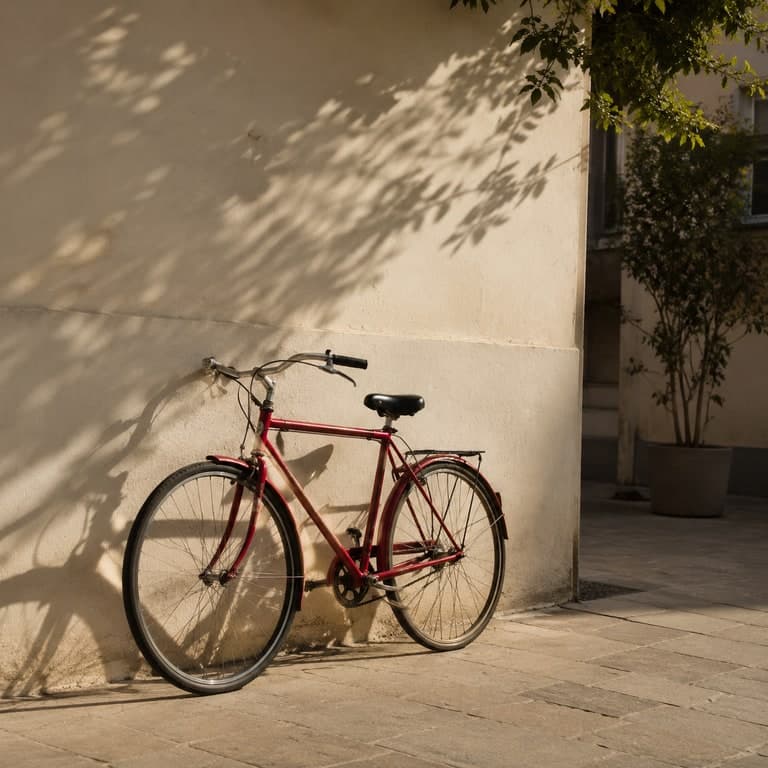 Source
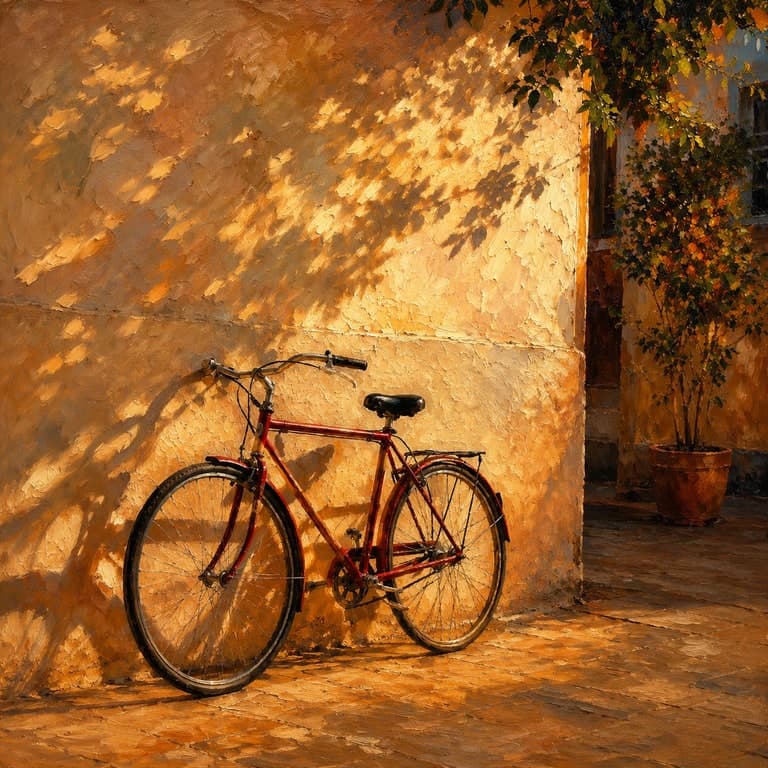 Result
AI photo style transfer
AI photo style transfer from one source image
Change the visual medium while preserving the subject, pose, layout, and recognizable structure of the uploaded image.
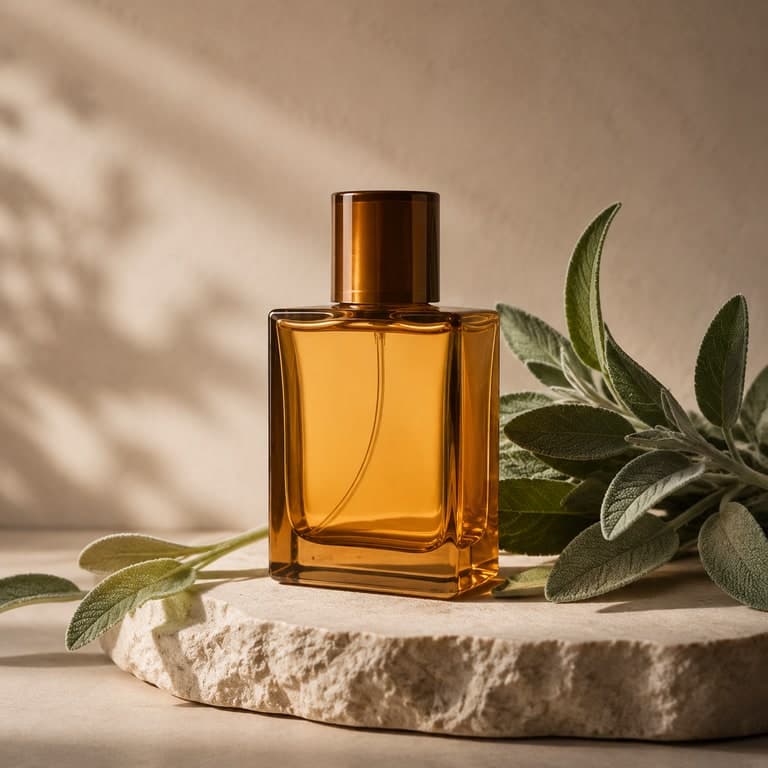 Source
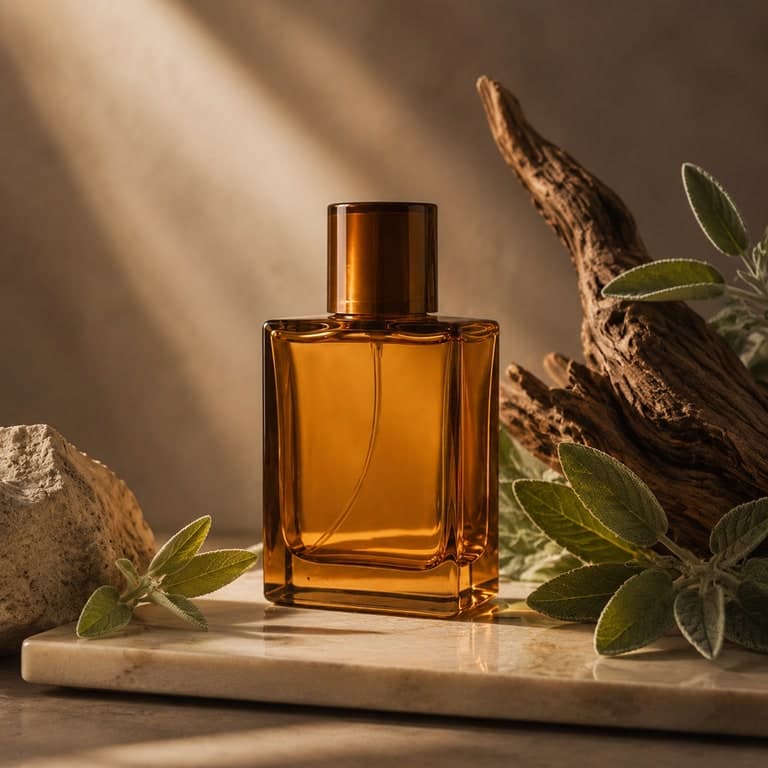 Result
AI image variation generator
AI image variations from one upload
Create new campaign, product, social, or concept directions from the same source composition without starting from a blank prompt.
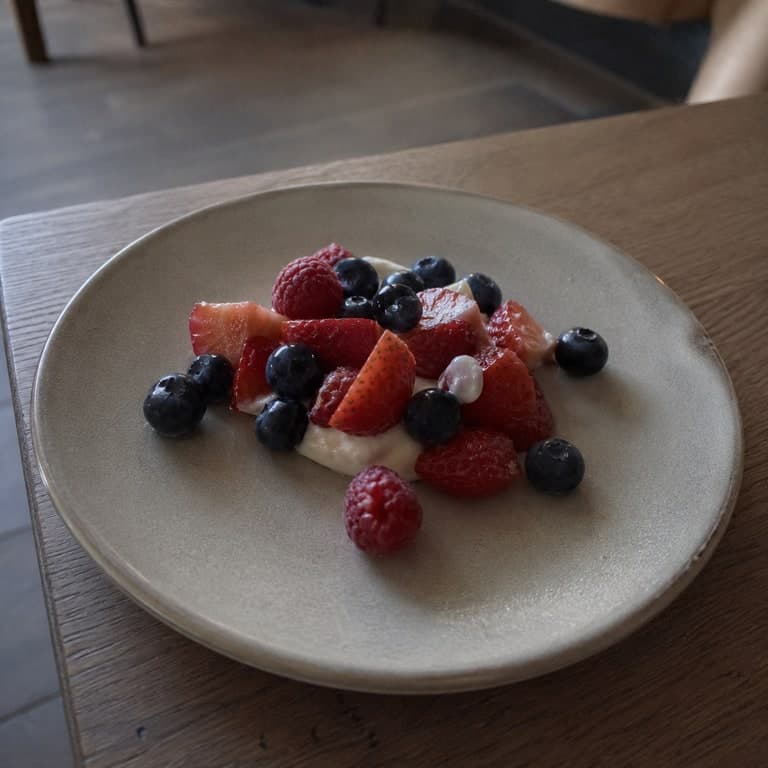 Source
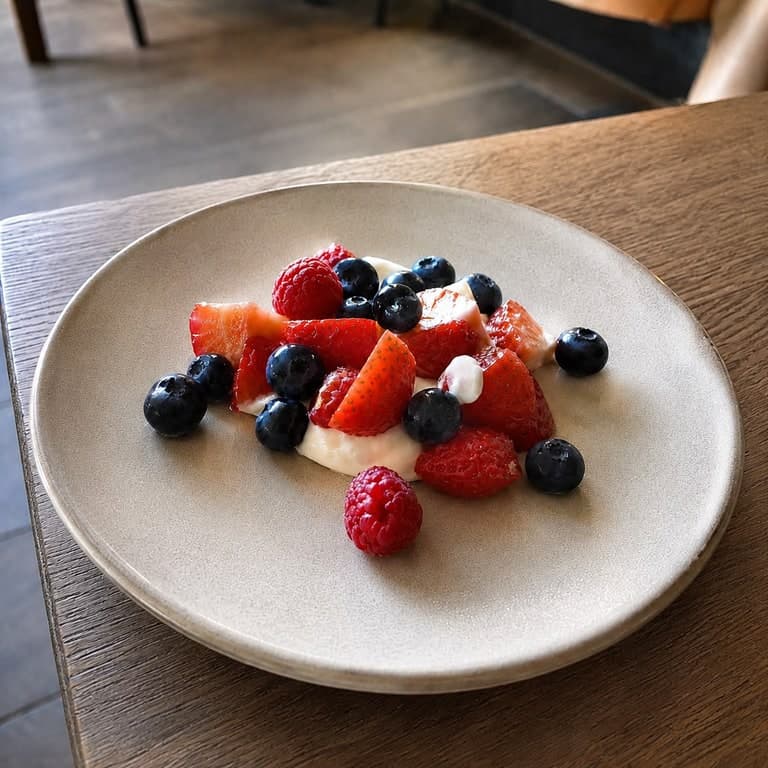 Result
AI image enhancer
AI image enhancer for cleaner source photos
Improve clarity, detail, exposure, and presentation while keeping the result close to the original source image.
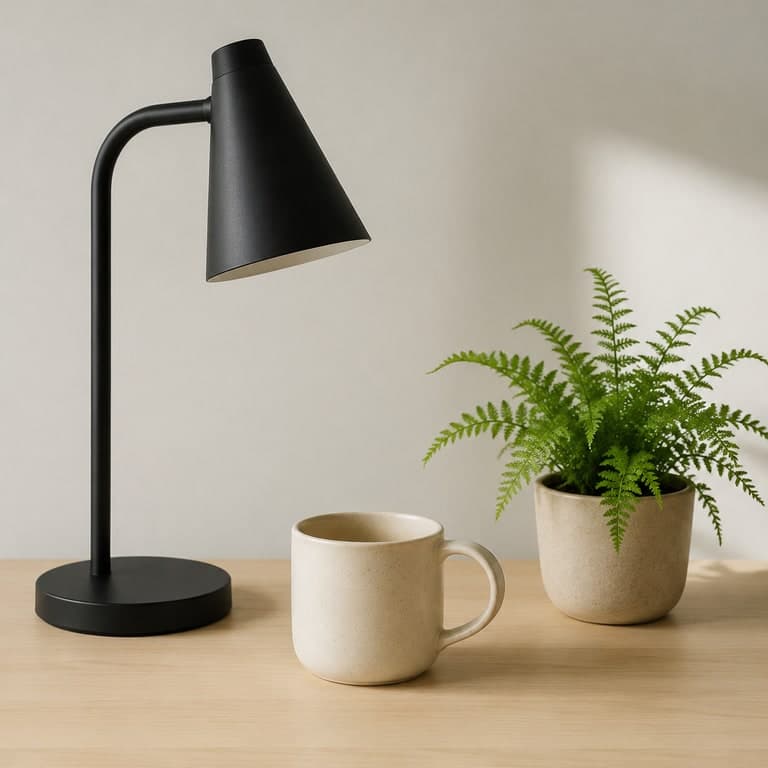 Source
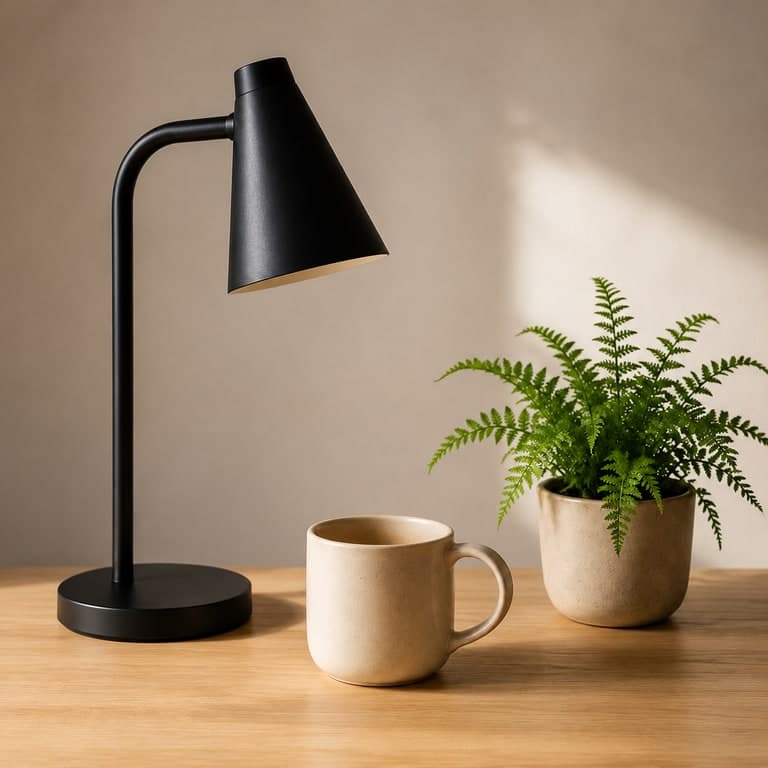 Result
AI image redraw
Prompt-guided AI redraw from a source image
Change details, lighting, materials, scene mood, or staging while the uploaded image remains the visual guide.
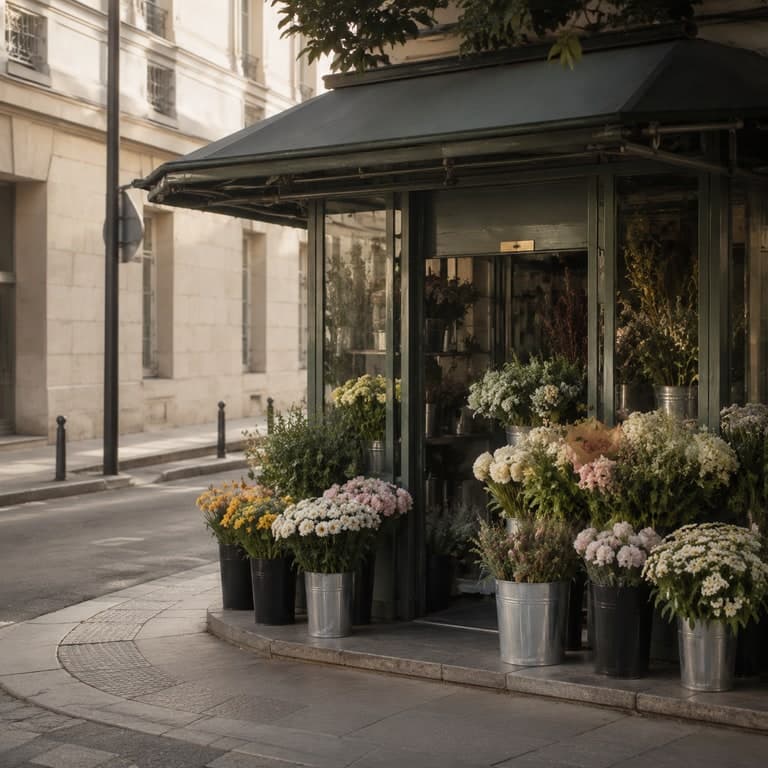 Source
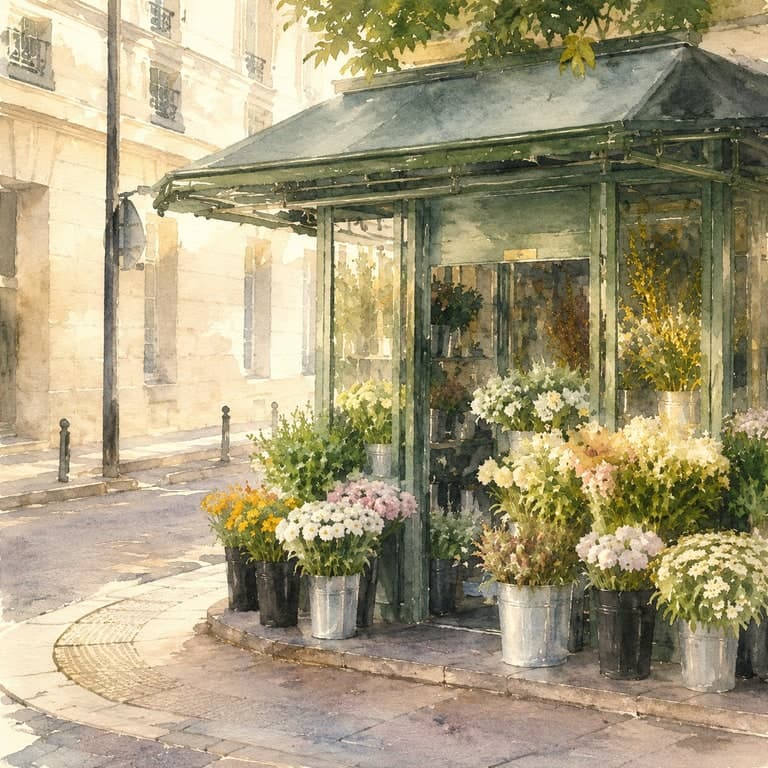 Result
AI image outpainting
AI image outpainting and canvas expansion
Use source-guided generation and aspect controls to create square, portrait, or landscape versions from one uploaded image.
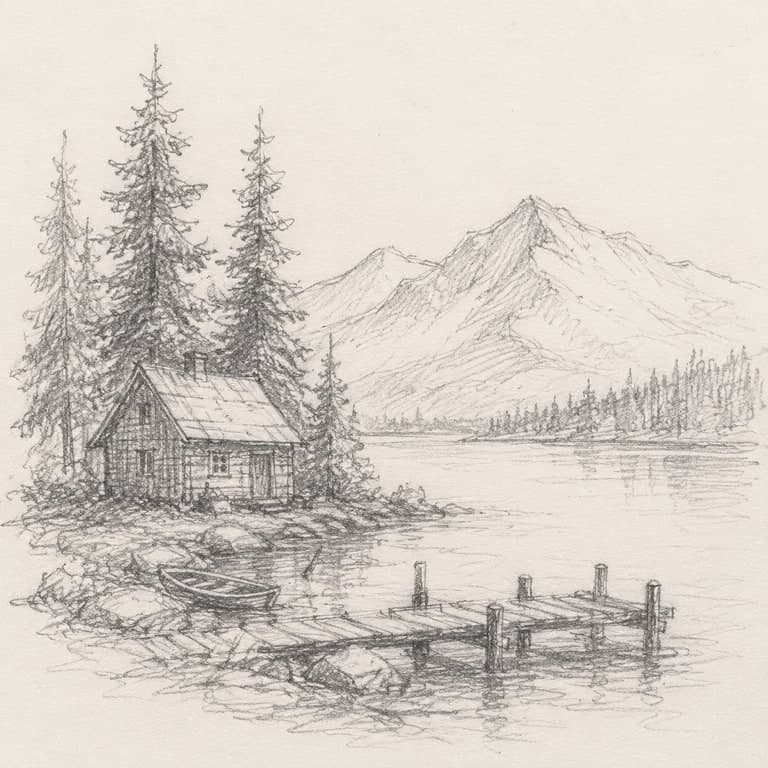 Source
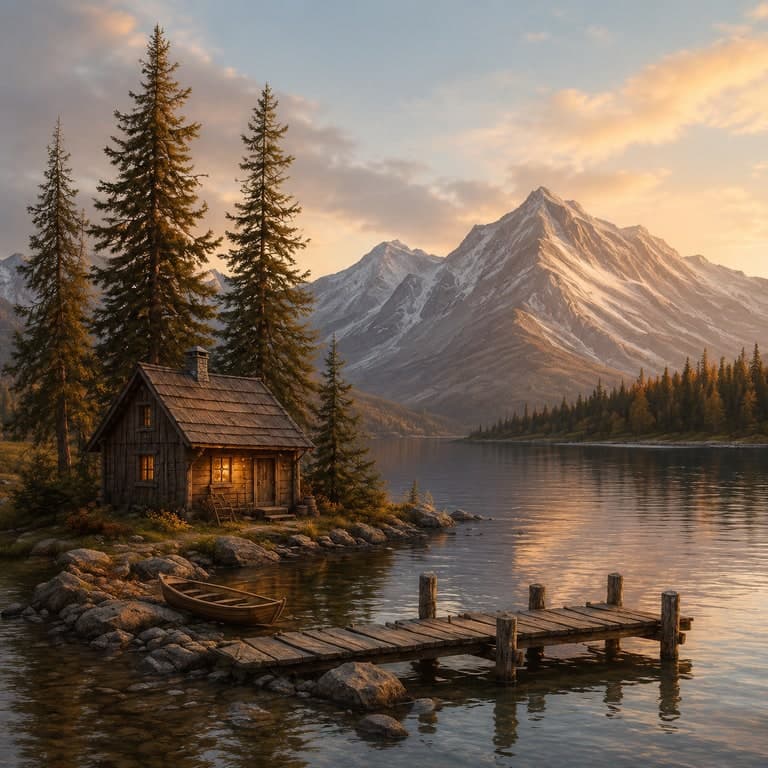 Result
Sketch to image AI
Sketch to image AI workflow
Use a rough drawing as the structure, then generate a polished image with color, lighting, materials, and finished detail.