AI image generator from image example
AI Packaging Mockup Example
Turn a plain package reference into a cleaner product mockup scene for concept reviews and launches.
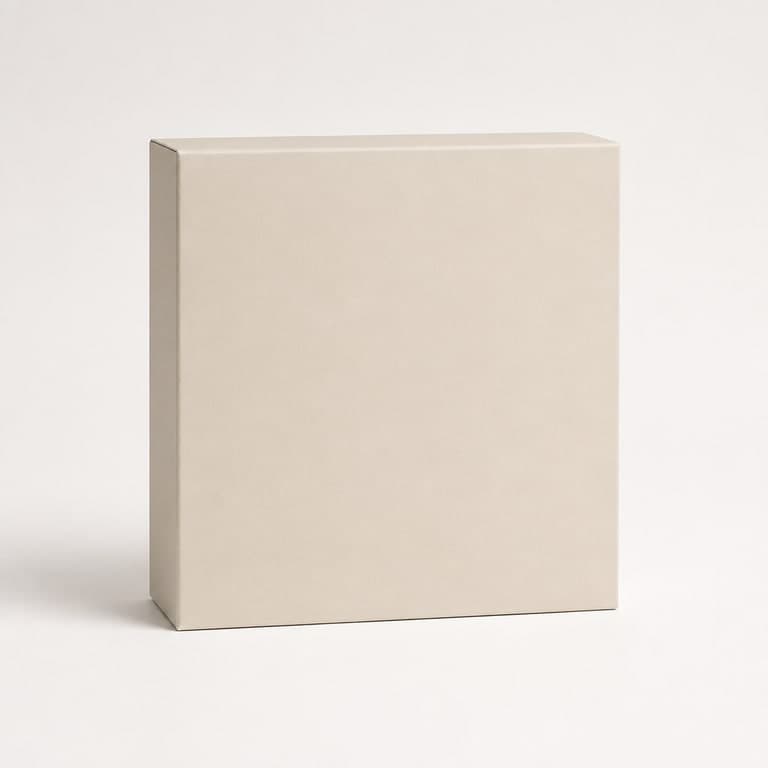
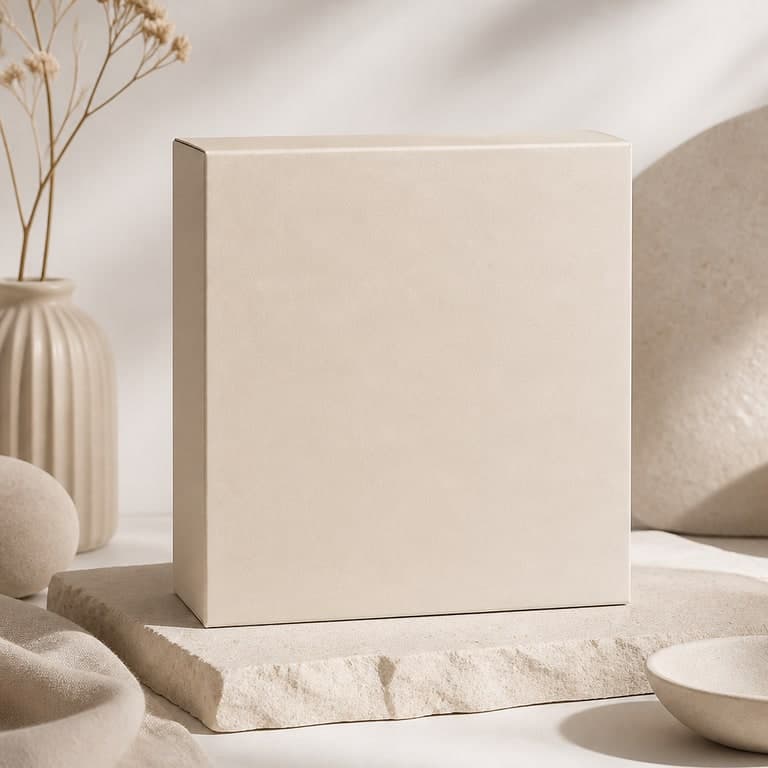
Workflow Notes
Brand designers, ecommerce founders, and product teams evaluating packaging concepts.
Creates a more polished mockup context while keeping the package surface clean.
Start with a clear source image so the subject and layout are easy to preserve.
Use prompts to control the product variation direction without changing the core subject too aggressively.
Create several versions, then use higher-resolution exports when the final image is ready for delivery.
How to recreate this result
This example page is built as a reusable tutorial, not just a before/after image. Start from a source image with a similar structure, borrow the prompt pattern, then open the matching workflow hub for deeper guidance.
Step 1
Match the source structure
Start with a source image that has a similar subject, crop, and composition to this product variation example.
Step 2
Reuse the prompt pattern
Keep the parts that describe style, lighting, and preservation rules, then replace the subject details with your own image context.
Step 3
Generate and compare
Judge the result against the original source image, not in isolation. The best output keeps the important structure anchored.
Step 4
Save the final version
Download the sample, save to your gallery, submit a strong result as a public example, or upgrade when you need plan-gated exports.
Best source image for this workflow
This example works best when the uploaded source already contains the subject, composition, and rough visual direction you want the AI to preserve.
Prompt settings used
Mode
Product variation
Output goal
Creates a more polished mockup context while keeping the package surface clean.
Prompt control
The prompt names style, lighting, composition rules, and what should not appear in the image.
Export path
Start with a standard test, then use 2K or 4K-class export only when your active plan supports it.
Common mistakes to avoid
- Using a source image that does not match the ai packaging mockup example goal.
- Writing a prompt that asks for too many unrelated changes at once.
- Judging only the result image without comparing it against the source composition.
Prompt Used
Premium packaging presentation, refined shadows, tasteful studio props, tactile paper texture, clean blank packaging mockup.
Try this promptFAQ
Can I recreate this product variation workflow?
Yes. Upload a similar source image, use the prompt direction shown on this page, and adjust the wording for your own brand, product, or scene.
Will the generated image stay close to my source image?
Image-to-image generation is designed to keep the main subject and composition recognizable, but stronger prompts can change styling, background, and details more noticeably.